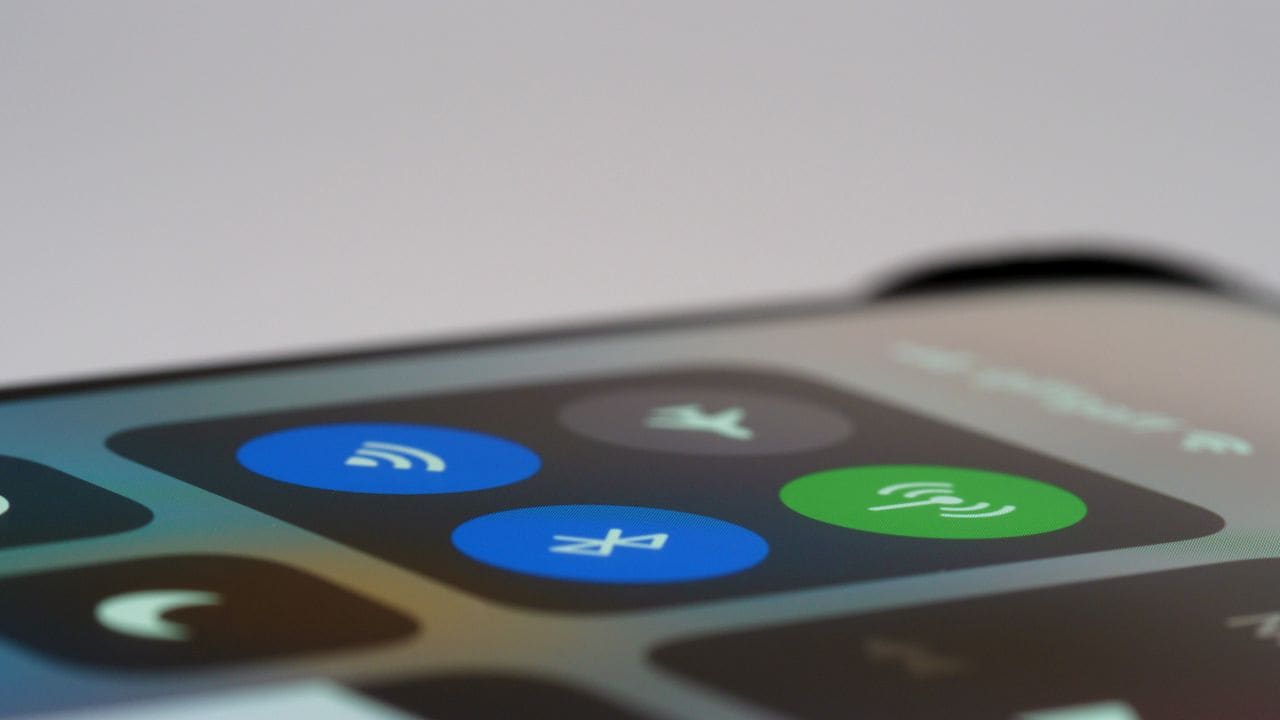
Control Center gives quick access to Wi-Fi, flashlight, screen recording and more.
1. Open it: swipe down from the top-right corner (iPhone X and newer) or up from the bottom (iPhones with a Home button).
2. iOS 18: tap the plus button at the top left, then "Add a Control", and drag controls where you want them.
3. Older iOS: Settings, then Control Center, then add or remove controls with the plus and minus buttons.
4. Useful controls to add: Screen Recording, Low Power Mode, Calculator, QR code scanner and Hearing.
5. Press and hold a control to see more options, for example Wi-Fi networks or flashlight brightness.