Open Settings, then Camera (on iOS 18: Settings, Apps, Camera).
1. Grid: turn it on to keep horizons straight and frame photos better.
2. Formats: "High Efficiency" saves space. "Most Compatible" (JPEG) is easier to share with old PCs.
3. Preserve Settings: keep your last mode (Portrait, Video) instead of resetting to Photo.
4. Record Video: 1080p at 30 fps is fine for WhatsApp and saves a lot of space. 4K files are huge.
5. Mirror Front Camera: makes selfies look the way you saw them in the preview.
6. Lens Correction: keep on for the front and ultra wide cameras.
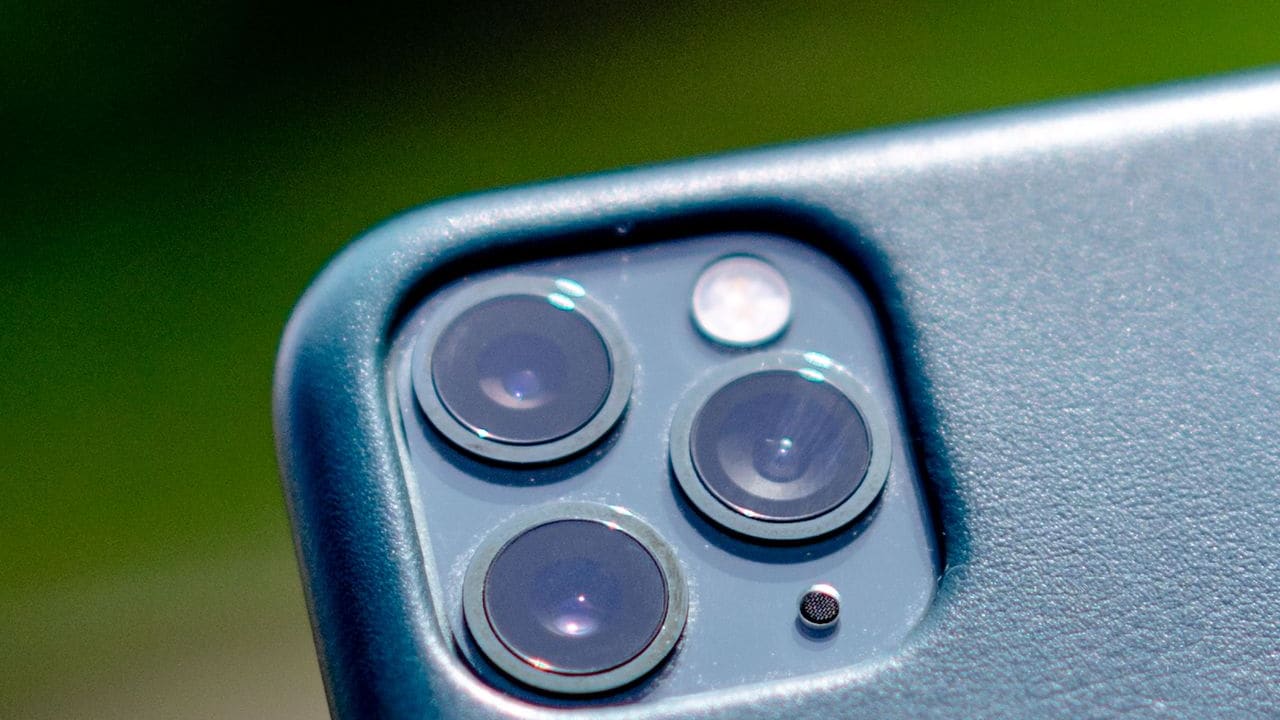
Wipe the lens with a soft cloth before shooting. Most blurry photos are just a greasy lens.