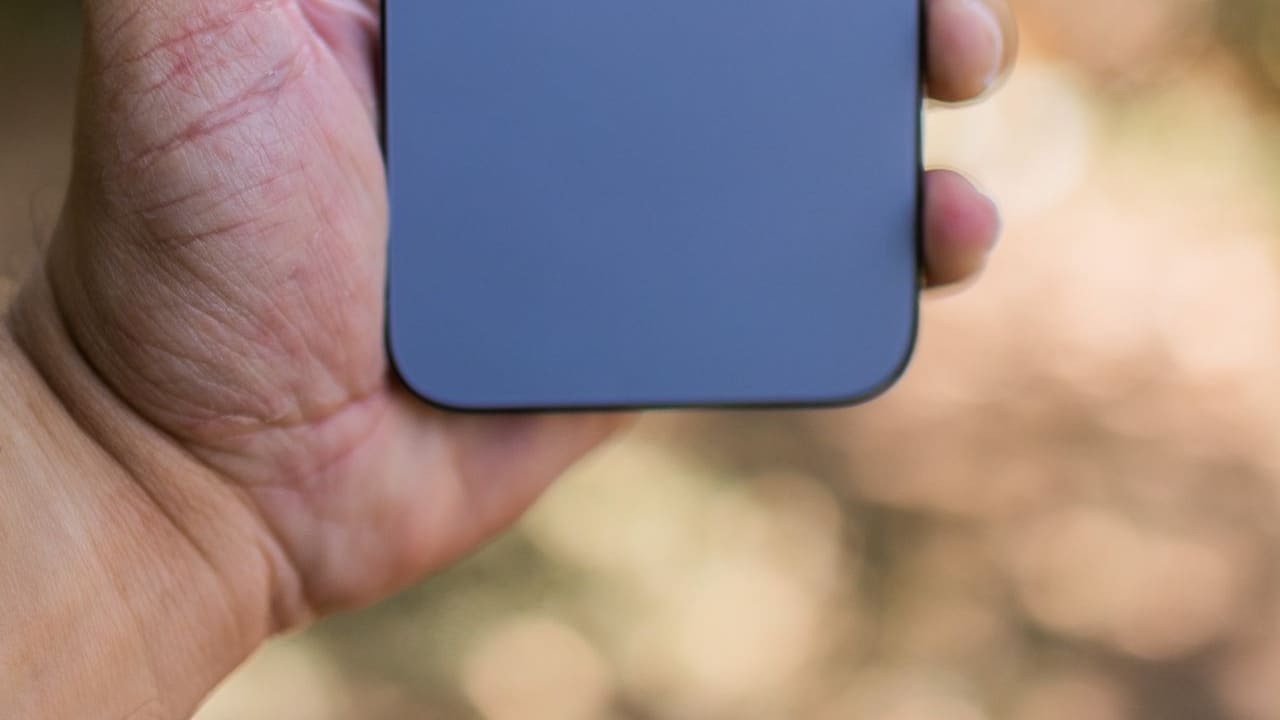
Tap the back of the iPhone two or three times to run an action.
1. Settings, then Accessibility, then Touch, then Back Tap.
2. Choose Double Tap or Triple Tap.
3. Pick an action: Screenshot, Flashlight, Control Center, Lock Screen, Mute, or one of your Shortcuts.
4. Works with most thin cases. Very thick cases may stop it working.
Popular setup: double tap for a screenshot, triple tap for the flashlight.