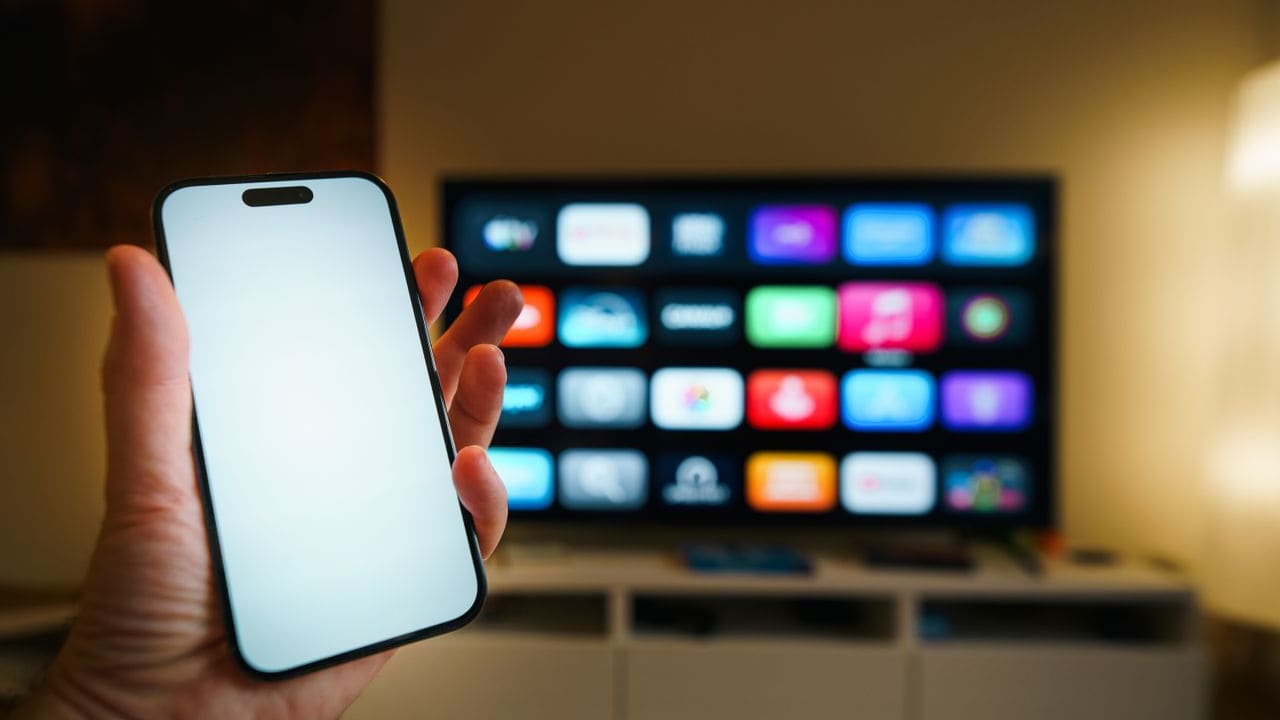
Works with Apple TV and many newer smart TVs from Samsung, LG, Sony and others that support AirPlay.
1. Connect the iPhone and the TV to the same Wi-Fi.
2. Open Control Centre and tap Screen Mirroring (two rectangles).
3. Choose the TV. Enter the code shown on the TV if asked.
4. Videos only: in YouTube or Photos, tap the AirPlay or cast icon instead, and you can use the phone for other things.
5. To stop: Control Centre, Screen Mirroring, Stop Mirroring.
TV not listed? Check AirPlay is turned on in the TV's settings, and that both are on the same network, not guest Wi-Fi.