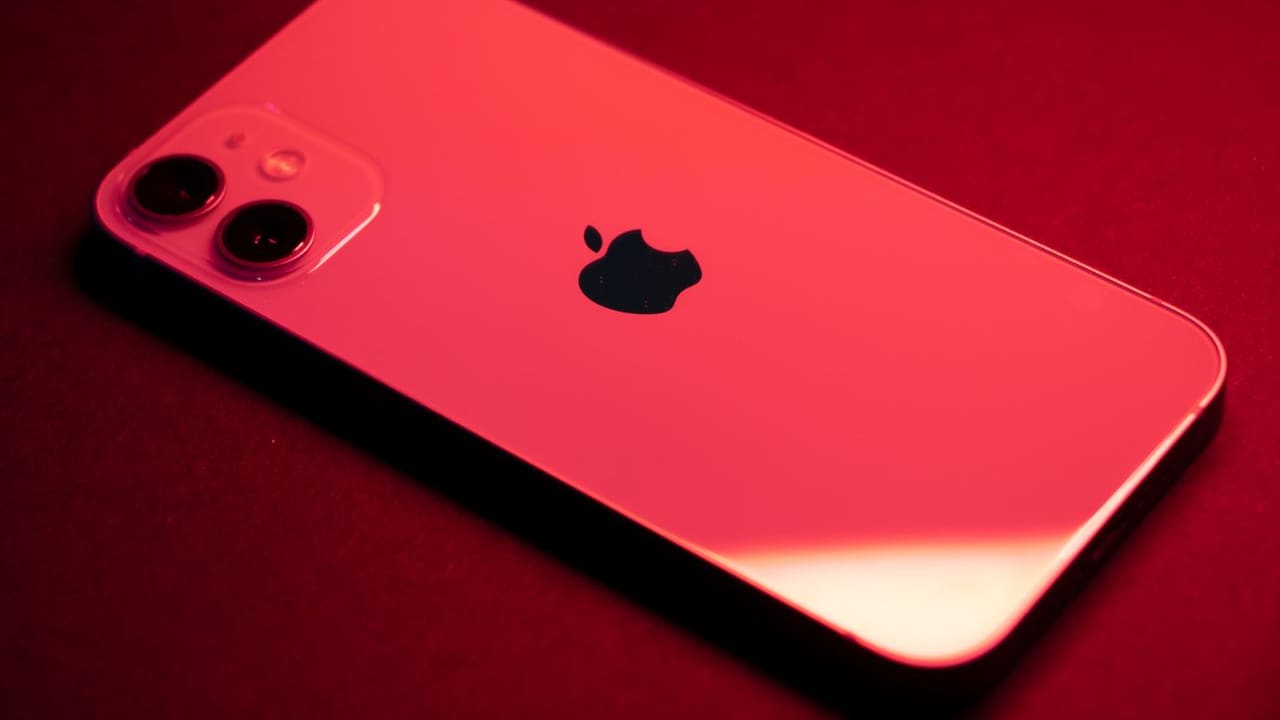
AirDrop sends photos, videos and files between Apple devices nearby, with no internet and full quality.
1. Turn on Wi-Fi and Bluetooth on both devices.
2. Choose who can send to you: Settings, General, AirDrop.
Receiving Off: nobody.
Contacts Only: only people in your contacts (they must be signed in with the number or email you saved).
Everyone for 10 Minutes: anyone nearby, then it switches back.
3. To send: tap Share, then AirDrop, then the person's device.
4. Bring two iPhones close together (iOS 17 and newer) to share contacts with NameDrop.
Keep it on Contacts Only in public places so strangers can't send you unwanted pictures.