Google Lens: Search, Copy and Translate What Your Camera Sees
Tools You'll Need
Google LensGoogle app
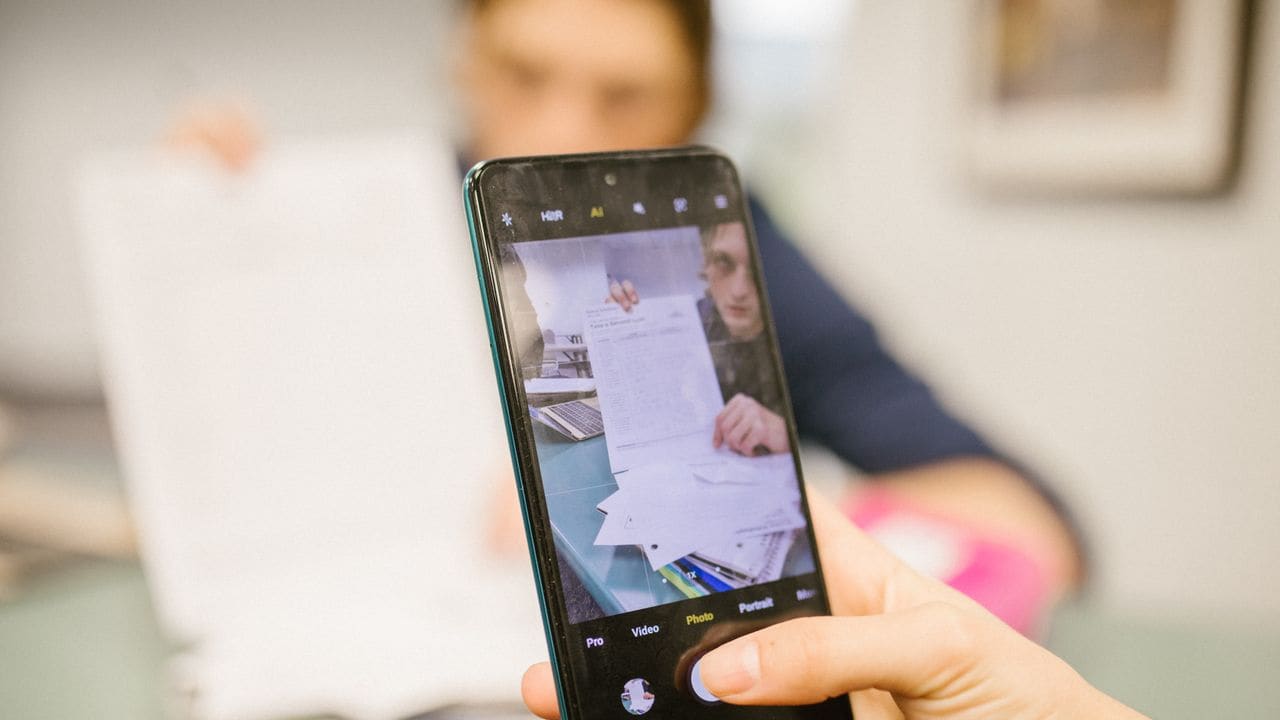
1. Open the Google app and tap the camera icon in the search bar (or the Lens icon in your camera or gallery).
2. Point at something:
Text: copy it to your phone, or send it to your computer.
Foreign language: tap Translate to see it in your language.
Products: find where to buy them and compare prices.
Plants, animals, landmarks: find out what they are.
Homework: get step by step help for maths and science questions.
3. Works on screenshots and saved photos too.
Lens is also inside Google Photos: open a photo and tap the Lens button.