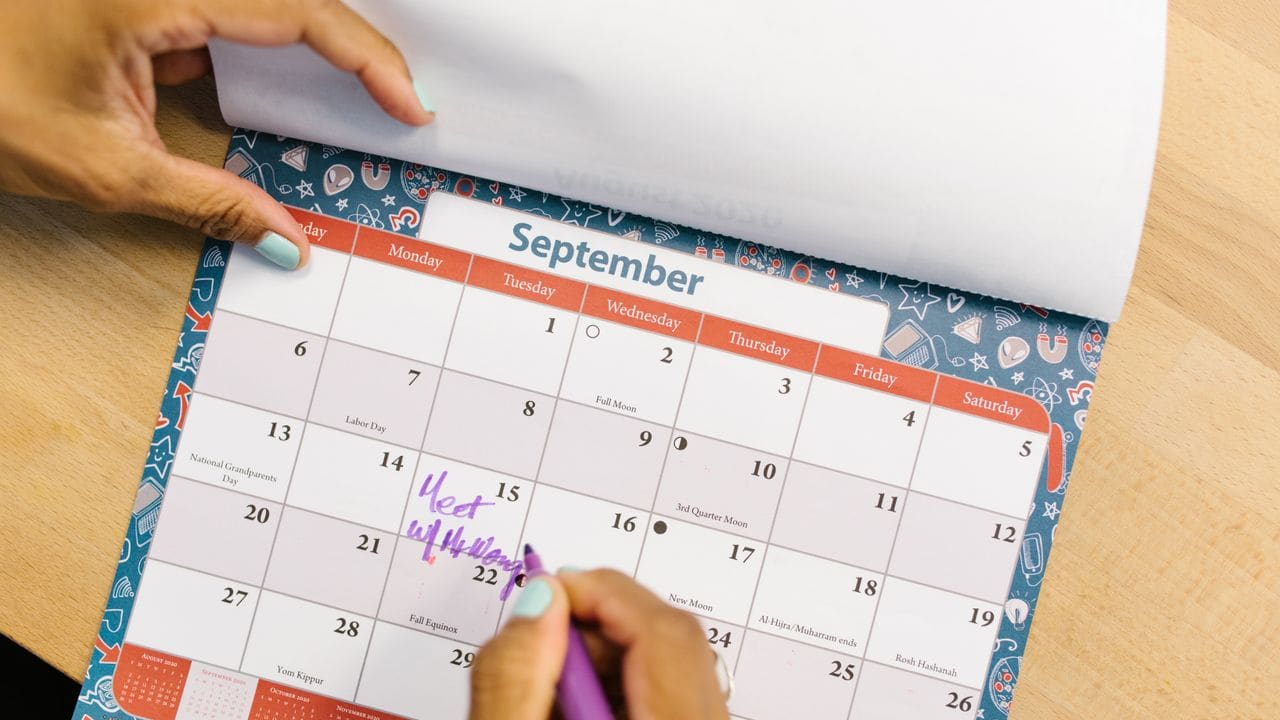
Google Calendar: Reminders, Birthdays and Shared Schedules
Tools You'll Need
Google Calendar
1. Open Google Calendar and tap + to add an event or task.
2. Notifications: in the event, choose when to be reminded (10 minutes, 1 day before). Add more than one.
3. Repeating events: weekly meetings, monthly rent, yearly birthdays.
4. Birthdays from your contacts can show automatically (Settings, Birthdays).
5. Share a calendar with staff or family: on a computer at calendar.google.com, Settings and sharing, Share with specific people.
6. Invite people to an event by adding their email. They get it in their own calendar.
Turn on "Default notifications" so you never forget to set a reminder.