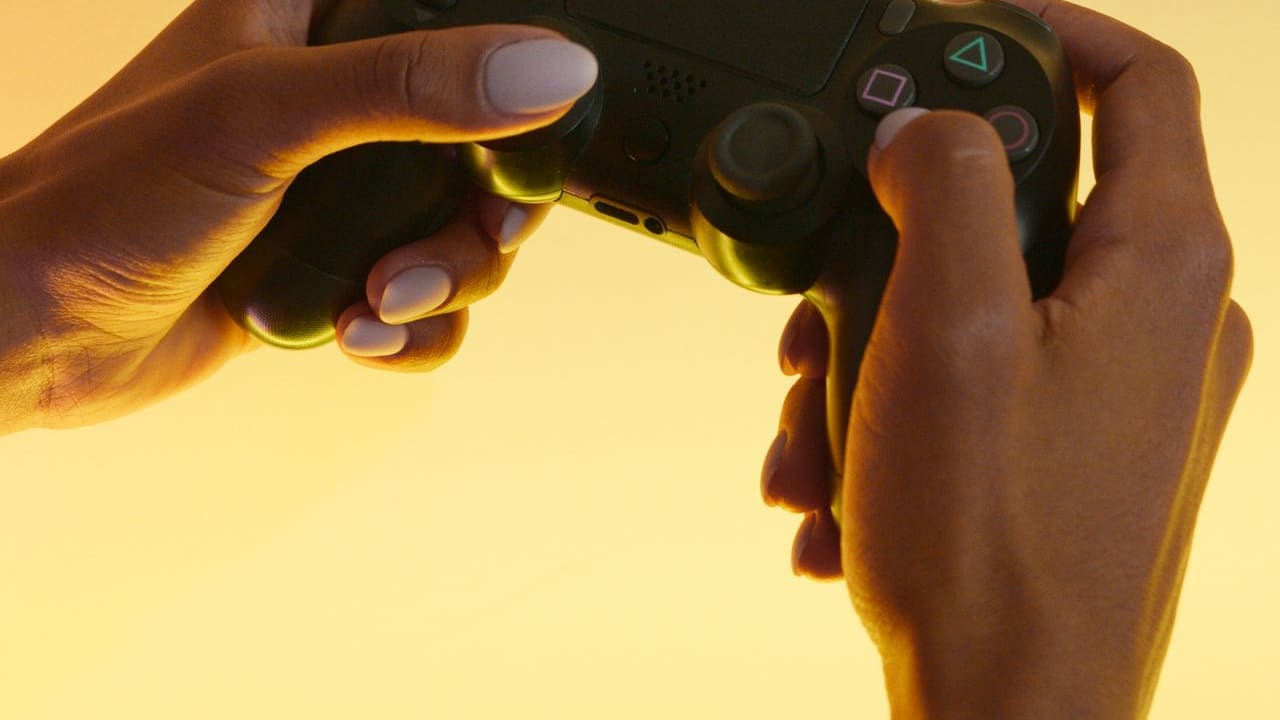
Connect a PlayStation or Xbox Controller to Your Phone
Tools You'll Need
BluetoothGame controller
1. PlayStation (DualShock 4 or DualSense): hold the Share (or Create) button and the PS button until the light flashes.
2. Xbox controller: turn it on, then hold the small pairing button on top until the Xbox logo flashes fast.
3. On the phone, open Bluetooth and choose the controller.
4. Open a game that supports controllers. Many popular games do.
5. A phone clip holds the phone on the controller.
6. To pair back with the console, connect the controller to the console with a USB cable.
Generic Bluetooth gamepads may need a mode switch (often holding a button while turning on). Check the manual.