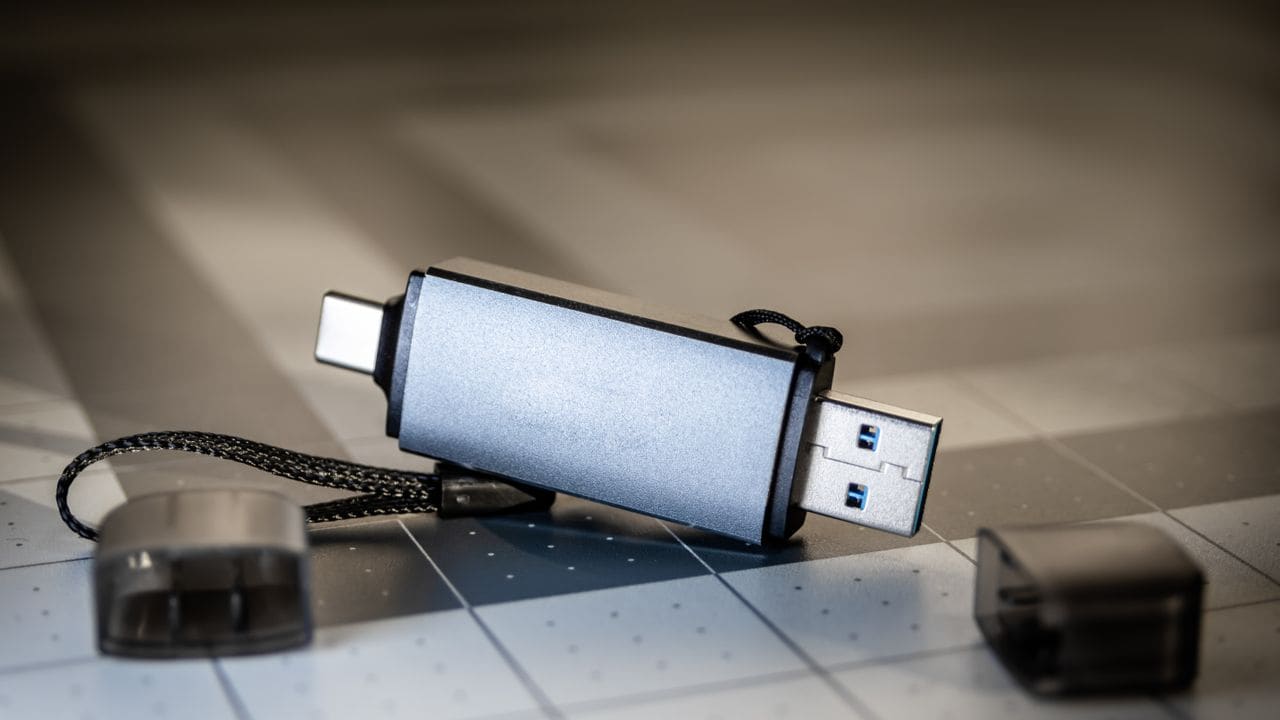
Format a USB Drive or Memory Card: FAT32, exFAT or NTFS?
Tools You'll Need
File ExplorerFormat
Formatting erases everything on the drive. Copy files off first.
1. Open File Explorer, right-click the drive, Format.
2. Choose the file system:
FAT32: works everywhere (TVs, car radios, old devices), but no single file over 4 GB.
exFAT: big files, works on Windows, Mac, Android and most new TVs. Best for most USB drives and cards.
NTFS: Windows only. Good for external hard drives used with Windows PCs.
3. Keep Quick Format ticked and click Start.
Drive shows the wrong size or won't format? It may be fake or damaged. See our write-protected USB tip.