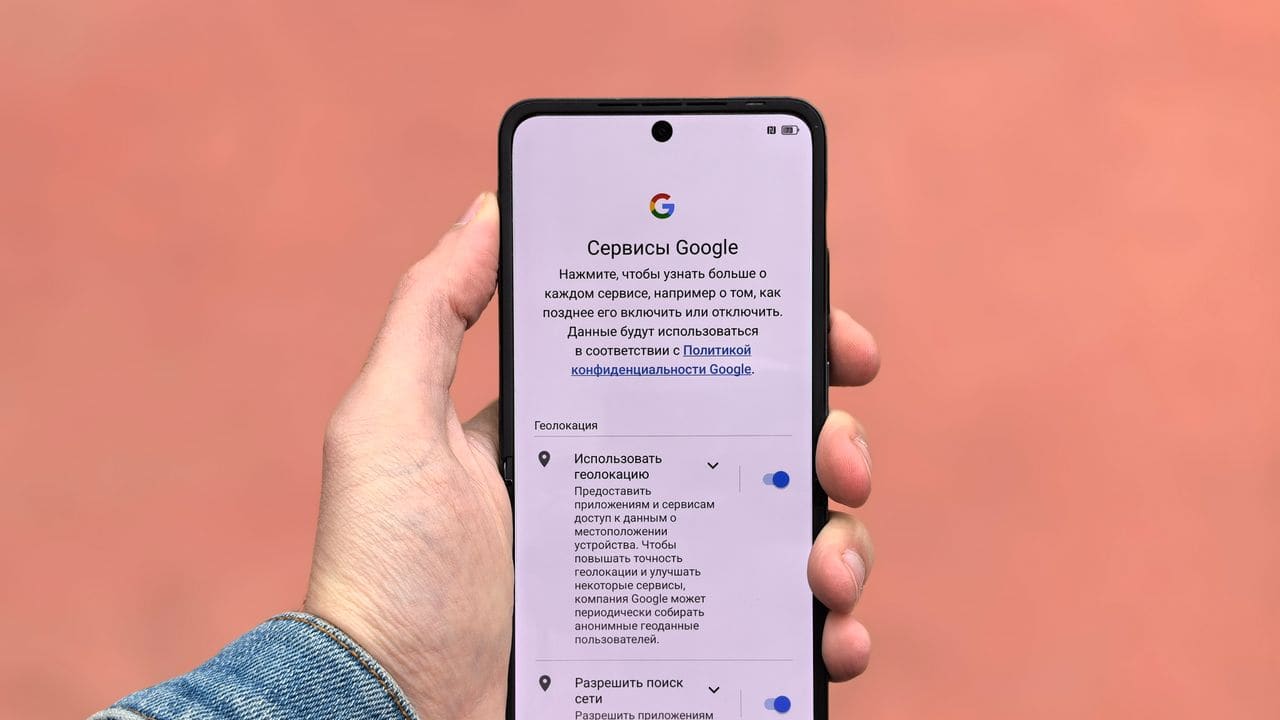
Set this up before the phone is lost.
1. Make sure it's on: Settings, then Google, then Find My Device, and turn it on. Keep Location on.
2. Lost phone: on any browser go to google.com/android/find and sign in with the same Google account.
3. You can see its last location, make it ring at full volume (even on silent), lock it with a message and phone number, or erase it.
4. Samsung phones can also use smartthings.samsung.com/find with the Samsung account.
5. Report a stolen phone to the police with the IMEI (from *#06#, or the box), and ask your network to block the SIM.
Erasing removes your data, but the phone stays locked to your Google account (FRP), so a thief can't use it.