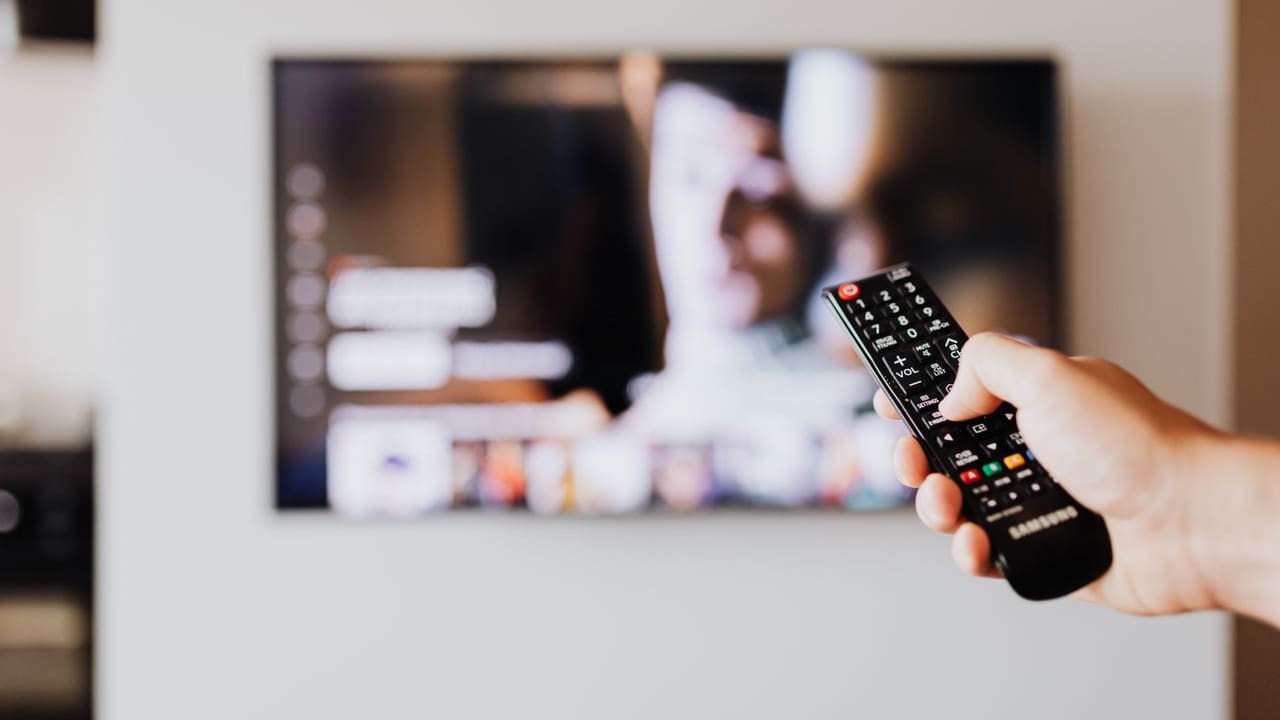
Cast YouTube and Netflix from Your Phone to a Smart TV
Tools You'll Need
YouTubeSmart TV
1. Connect the phone and TV to the same Wi-Fi.
2. Open YouTube (or Netflix) on the phone and tap the cast icon at the top.
3. Choose the TV. The video plays on the TV and the phone becomes a remote.
4. Not showing? On the TV's YouTube app: Settings, Link with TV code. In the phone app: Settings, Watch on TV, Enter TV code.
5. Casting uses the TV's own internet, so your phone can be used for other things and doesn't drain its battery.
Whole phone screen instead? See our Screen Cast tip (Android) or AirPlay tip (iPhone).