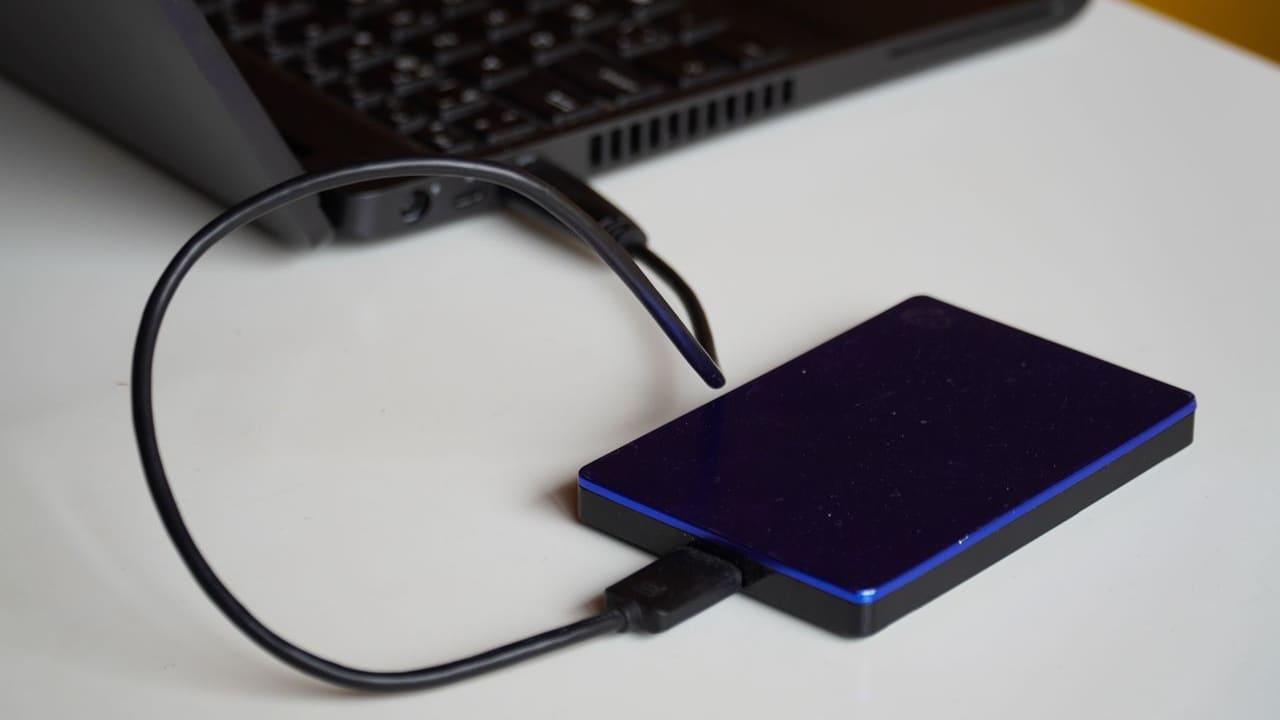
Flashing, factory reset and FRP work can erase everything. Do these steps first.
1. Write down the IMEI
Dial *#06# and photograph the screen. Useful if the IMEI is ever lost after flashing.
2. Google backup
Settings, then Google, then Backup, then Back up now. This saves contacts, call history, SMS and settings.
3. Photos and videos
Turn on Google Photos backup, or copy the DCIM and Pictures folders to a PC with a USB cable (choose "File transfer" on the phone).
4. WhatsApp
WhatsApp, then Settings, then Chats, then Chat backup, then Back up. Make sure it's linked to the same Google account.
5. Contacts saved on the phone only
Contacts app, then Export to a .vcf file, and copy it to the PC.
6. Note the Google account and password
After a reset the phone asks for the last Google account (FRP lock). Make sure the owner knows the email and password before you continue.