1. Remove the screen protector and case. A cracked or lifted protector often causes ghost touches.
2. Clean the screen and dry your hands.
3. Restart the phone.
4. Start in Safe Mode. If touch works there, an app is the cause.
5. Unplug the charger: some cheap chargers cause ghost touch while charging.
6. Test the screen: Samsung users can dial *#0*# and tap Touch to draw on the screen and see dead areas.
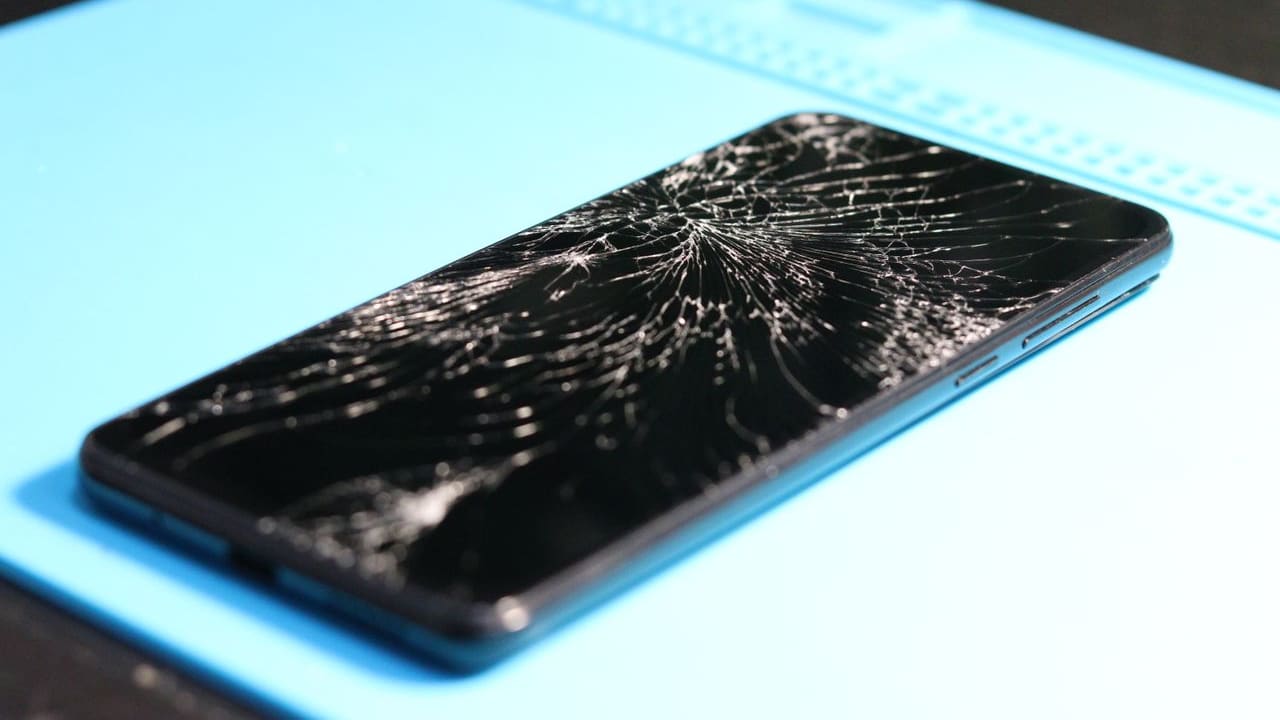
7. Dead zones or random touches after a drop usually mean the screen needs replacing. Ask us for the price for your model.