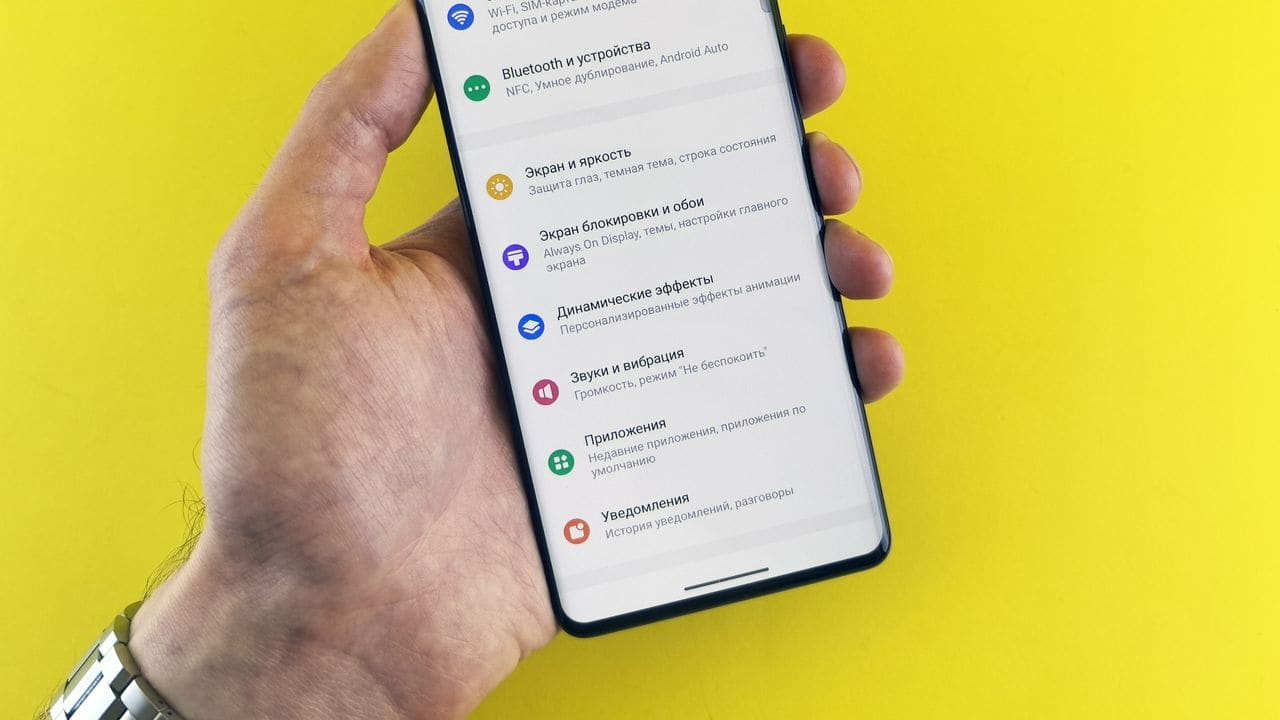
1. Settings, then Display, then Font size (or Font size and style). Drag the slider.
2. Display size (or Screen zoom) makes icons and buttons bigger too.
3. Turn on Bold text on the same screen.
4. Magnification: Settings, then Accessibility, then Magnification. Triple tap the screen to zoom in.
5. Simple mode (Samsung Easy mode, Tecno and Infinix Simple mode): bigger icons and a simpler home screen. Great for older users.