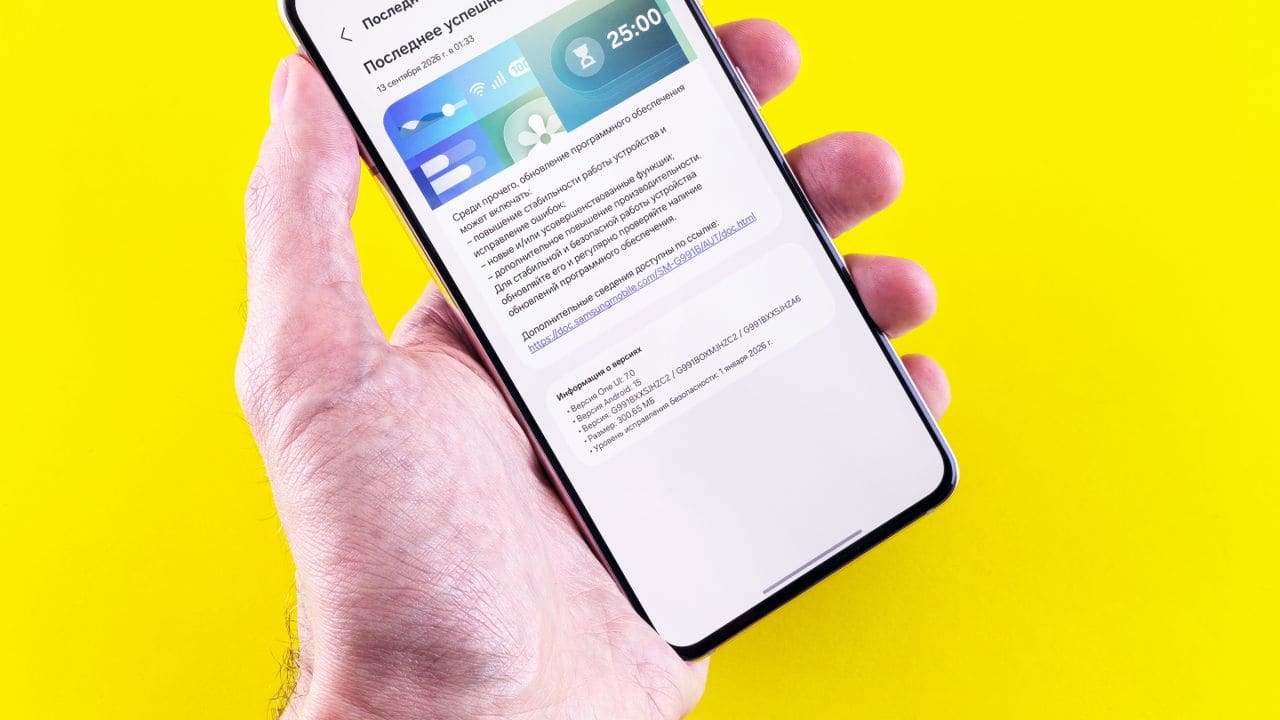
Check for Android Updates and Google Play System Updates
Tools You'll Need
Software Update
There are two kinds of updates, and you need both.
1. Phone software update: Settings, then System, then Software update (Samsung: Settings, then Software update; Tecno and Infinix: Settings, then System update). Download and install.
2. Google Play system update: Settings, then Security and privacy, then System and updates, then Google Play system update. These bring important security fixes.
3. Security patch date: Settings, then About phone, then Android version. A patch older than a year means the phone no longer gets security updates.
4. Back up and charge above 50 percent before big updates (see our safe update tip).