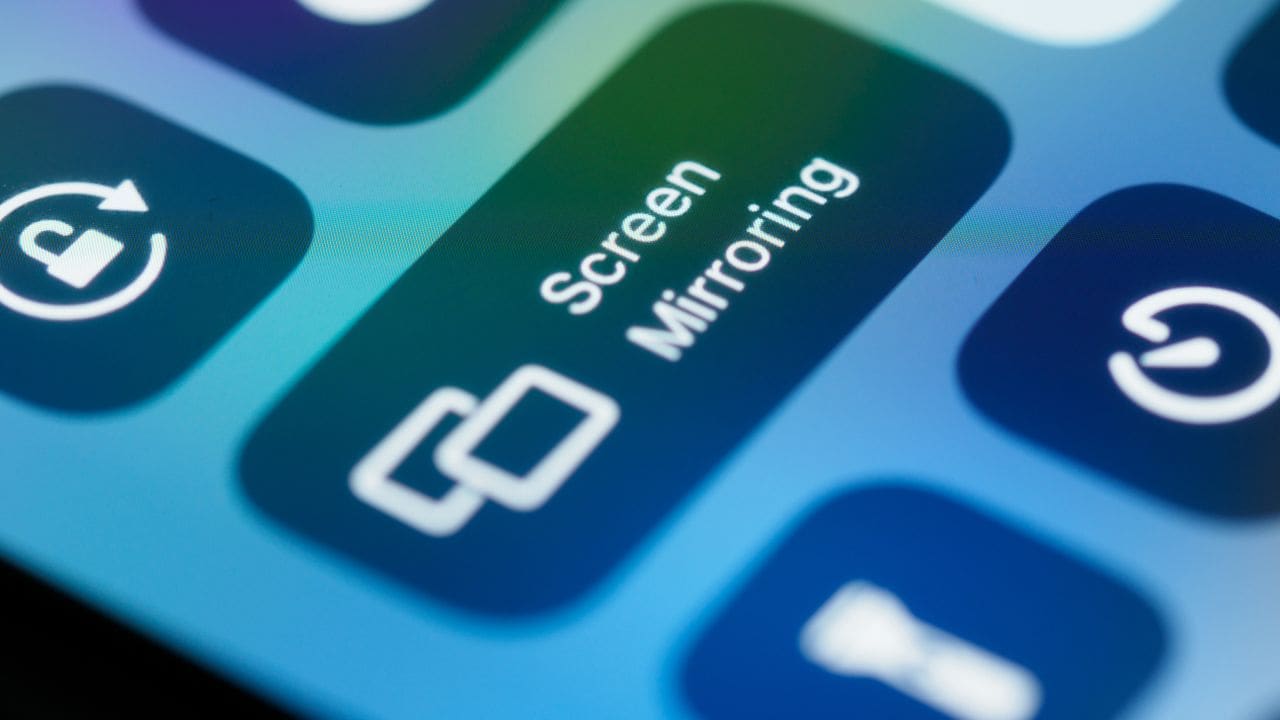
Show Your Phone Screen on a TV (Screen Cast and Smart View)
Tools You'll Need
Smart ViewScreen cast
1. Connect the phone and a smart TV (or a Chromecast) to the same Wi-Fi. Some TVs also work with Wi-Fi off, using screen mirroring (Miracast).
2. Samsung: swipe down twice, tap Smart View, choose the TV.
Others: quick settings, Screen cast, Cast, or Screen mirroring.
3. Accept on the TV if it asks.
4. YouTube and Netflix: tap the cast icon inside the app instead. The phone can then be used for other things.
5. To stop: tap the same tile again.
No smart TV? A cheap HDMI cable adapter works with many phones that support video out through USB-C.