Fix Many Android Problems with "Reset App Preferences"
Tools You'll Need
Android Settings
This fixes links opening in the wrong app, disabled apps, blocked notifications and permission problems, without deleting any data.
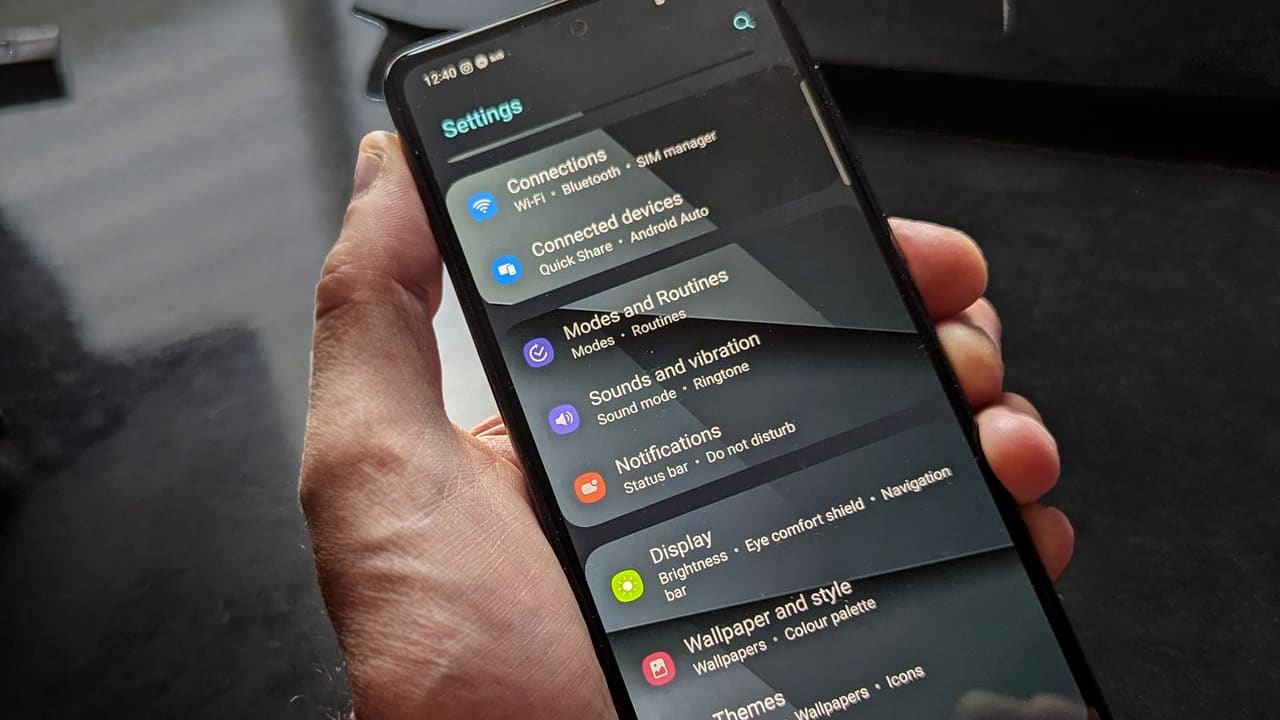
1. Settings, then System, then Reset options, then Reset app preferences. On Samsung: Settings, then Apps, then the three dots, then Reset app preferences.
2. Confirm with Reset apps.
It resets: disabled apps, notification settings, default apps, background data limits and permission restrictions. Your photos, messages and app data stay.
Afterwards you may need to set your default apps and some permissions again.