1. Check the volume for each type: press a volume button, then the three dots, and raise Media, Ring and Call volumes.
2. Turn off Do Not Disturb.
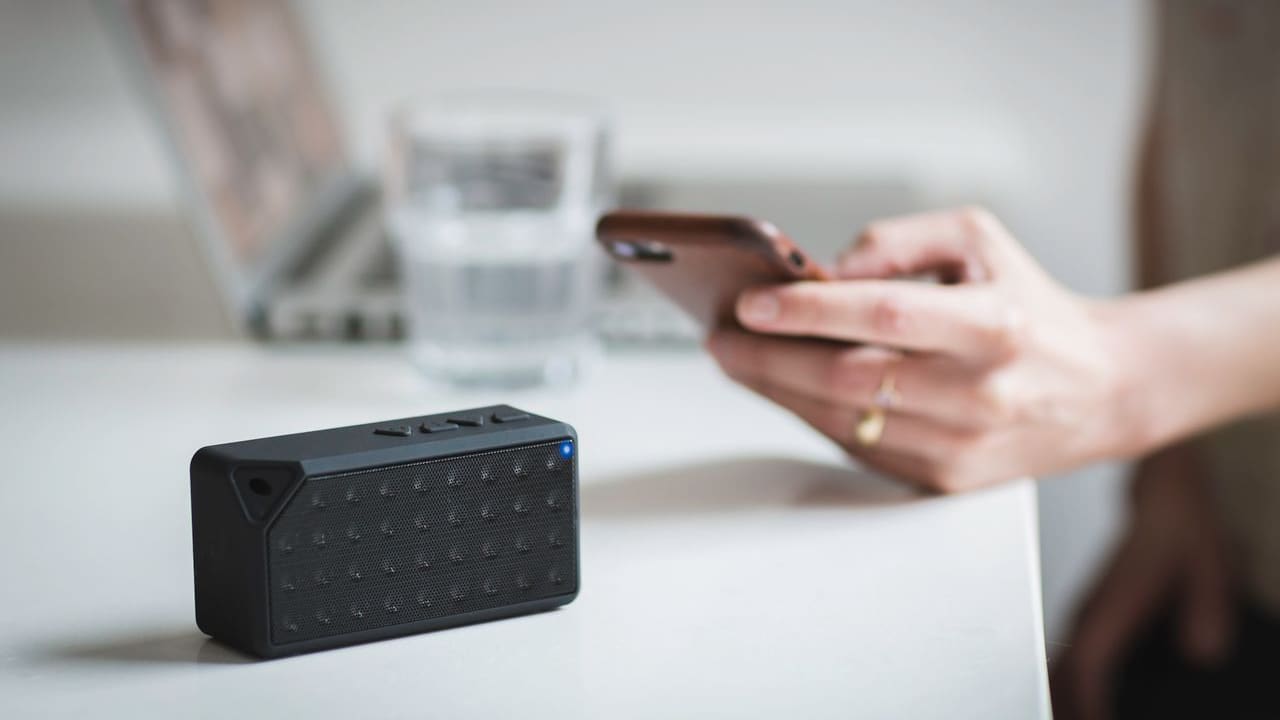
3. Make sure no Bluetooth headset or speaker is connected.
4. Clean the speaker and microphone holes gently with a soft dry brush.
5. Test the mic: record a voice note. If others can't hear you on calls only, try speakerphone and turn off any noise reduction setting.
6. Restart, then test in Safe Mode.
7. Sound still missing after this usually means the speaker, earpiece or microphone needs replacing.