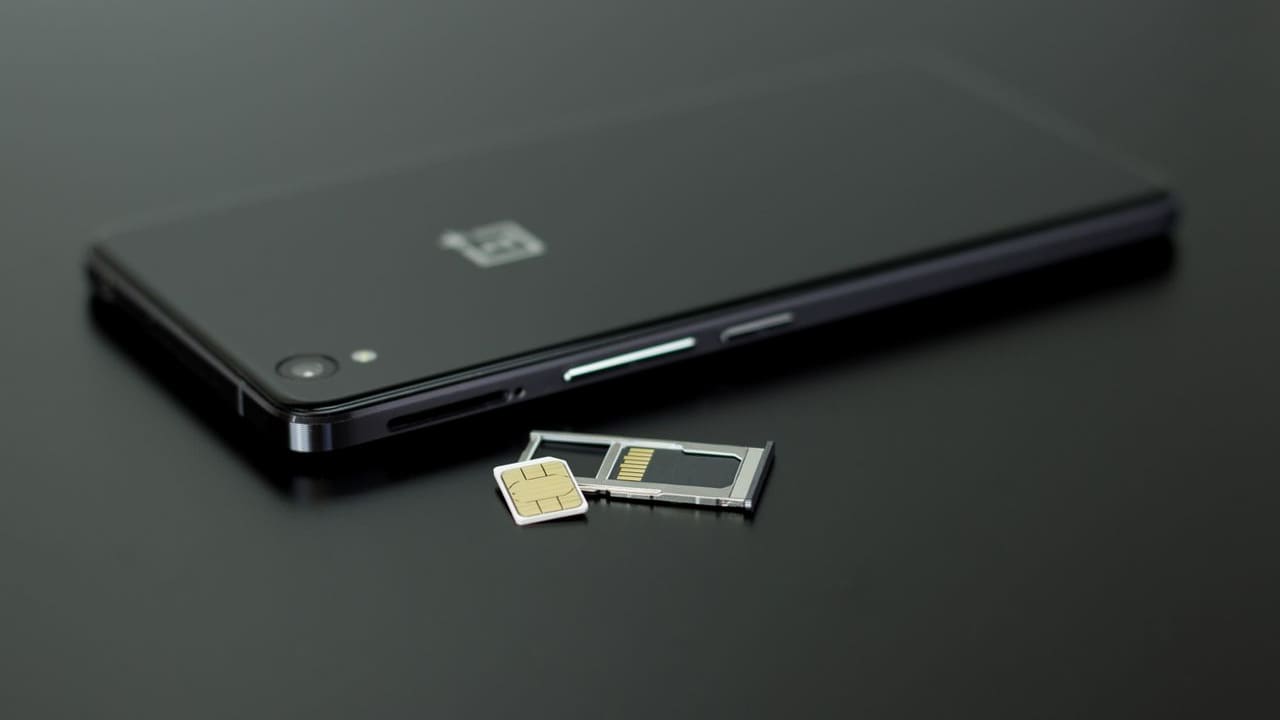
1. Insert the card with the phone off (it shares the SIM tray on most phones).
2. If asked, choose "Portable storage". The card can still be read in a PC or another phone.
3. Save photos to the card: Camera, Settings, Storage location, SD card (on phones that offer it).
4. Move files: open My Files or Files, select photos or videos, then Move to SD card.
5. Before removing: Settings, Storage, SD card, Unmount (or Eject).
Buy cards from trusted sellers. Fake cards show 128 GB but lose files after a few GB. Class 10, U1 or U3 cards are fast enough for video. Keep important photos backed up elsewhere too: cards fail without warning.