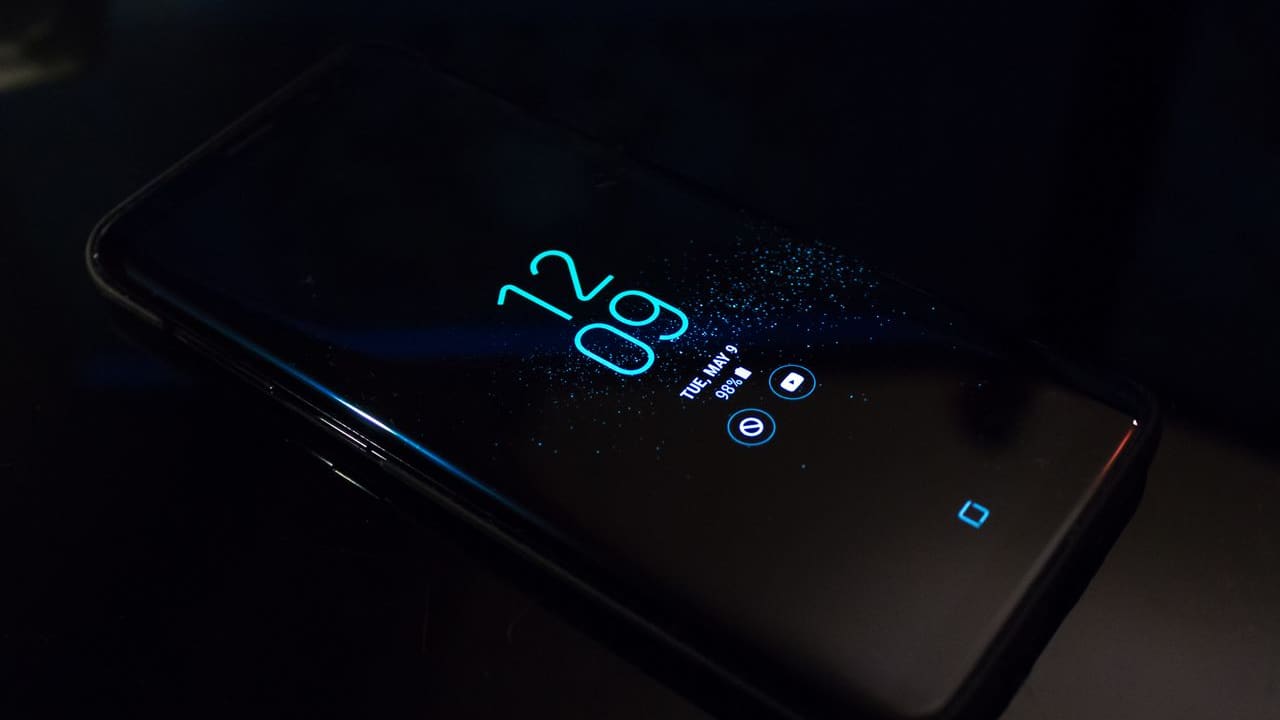
Anyone who picks up your phone can read message previews on the lock screen.
1. Settings, then Notifications, then Notifications on lock screen (or Lock screen).
2. Choose "Show conversations, default and silent" without content, "Hide sensitive notifications", or "Don't show any notifications".
3. WhatsApp can hide previews itself: WhatsApp, then Settings, then Notifications, then turn off Show preview.
4. Mobile money and bank SMS often contain codes. Hiding sensitive content keeps them private.