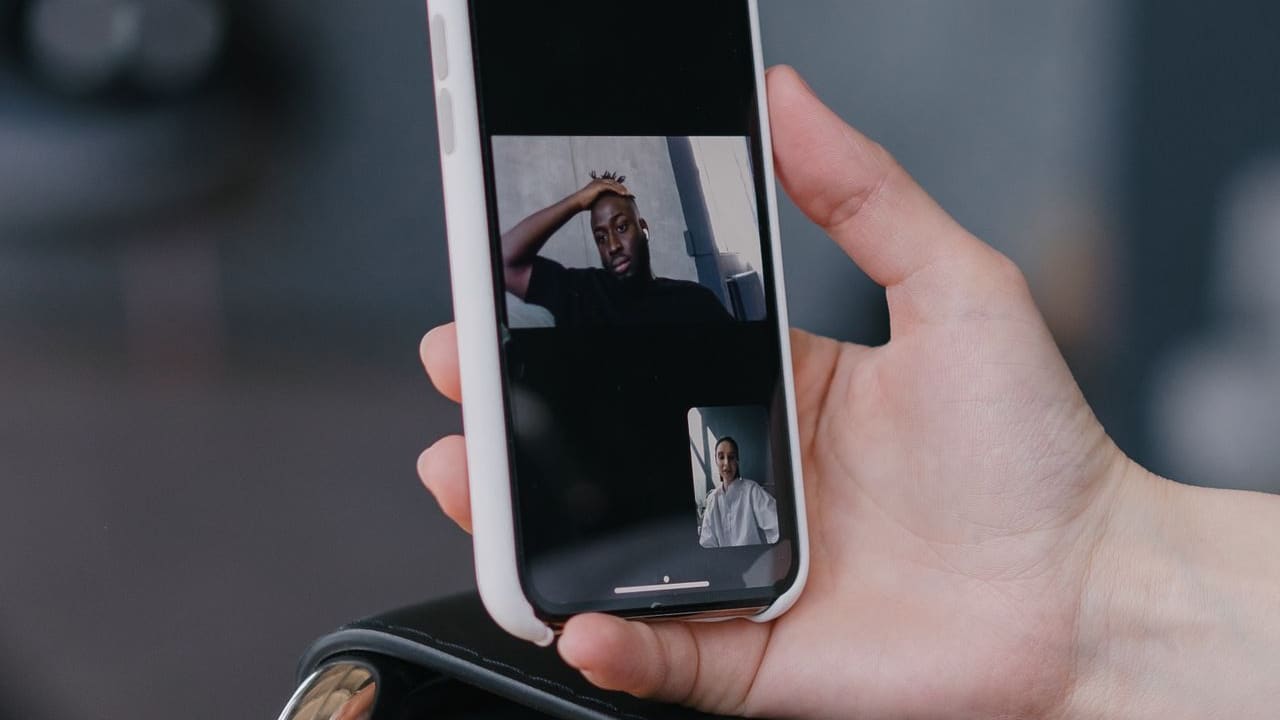
Live Caption and Live Transcribe: Subtitles for Everything
Tools You'll Need
Live CaptionLive Transcribe
Live Caption adds subtitles to any video, voice note or call on your phone, even with no internet.
1. Press a volume button, then tap the caption icon below the volume slider.
2. Or Settings, Accessibility, Live Caption (Samsung: Accessibility, Hearing enhancements, Live Caption).
3. Captions appear in a box you can move around the screen.
4. Live Transcribe (free app from Google): writes out what people around you say. Helpful for people with hearing loss.
Great for watching videos in a quiet room without sound. Caption languages depend on your phone model.