Keep Your Phone Unlocked at Home (Extend Unlock / Smart Lock)
Tools You'll Need
SettingsLock screen
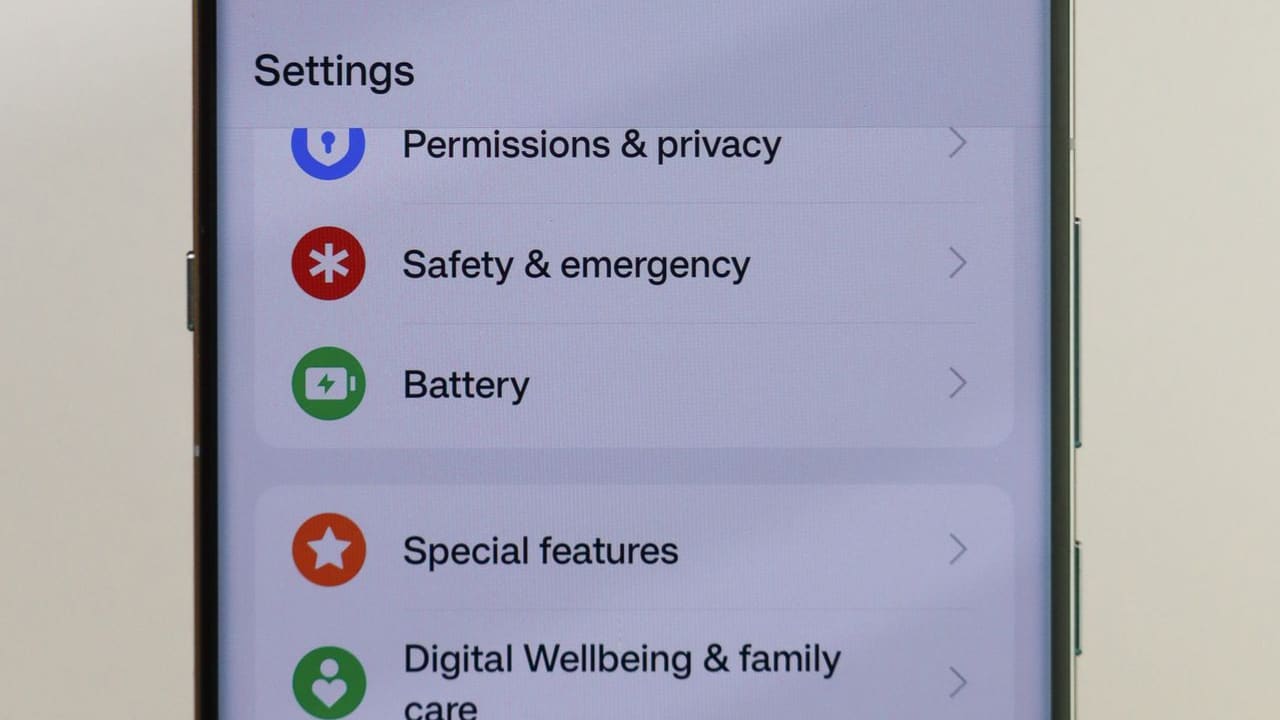
1. Samsung: Settings, Lock screen and AOD (or Lock screen), Extend Unlock (older: Smart Lock).
Pixel and others: Settings, Security and privacy, More security, Extend Unlock (or Smart Lock).
2. Enter your PIN.
3. Choose:
On-body detection: stays unlocked while you carry it.
Trusted places: stays unlocked at home.
Trusted devices: stays unlocked near your Bluetooth earphones, watch or car.
Careful: anyone who picks up the phone while it's in a trusted place or near a trusted device can open it. Don't use trusted places for an office or shop.