1. Settings, then Safety and emergency (or Advanced features on Samsung, then Send SOS messages).
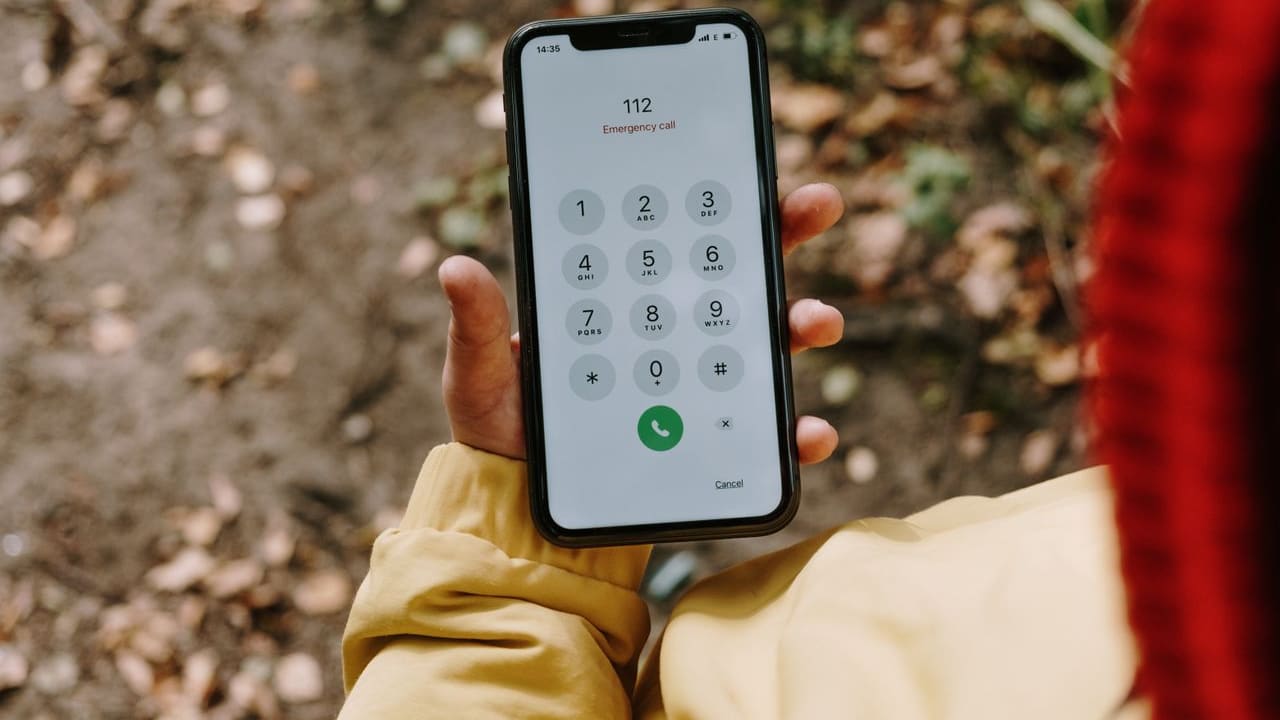
2. Emergency SOS: turn on "Use Emergency SOS". Pressing the power button 5 times quickly starts a countdown and calls emergency services.
3. Emergency contacts: add family members who get your location in an emergency.
4. Medical information: add blood type, allergies and medications. Responders can see it from the lock screen.
5. Practise without completing the call so you know how it works. On some phones the countdown plays a loud alarm.