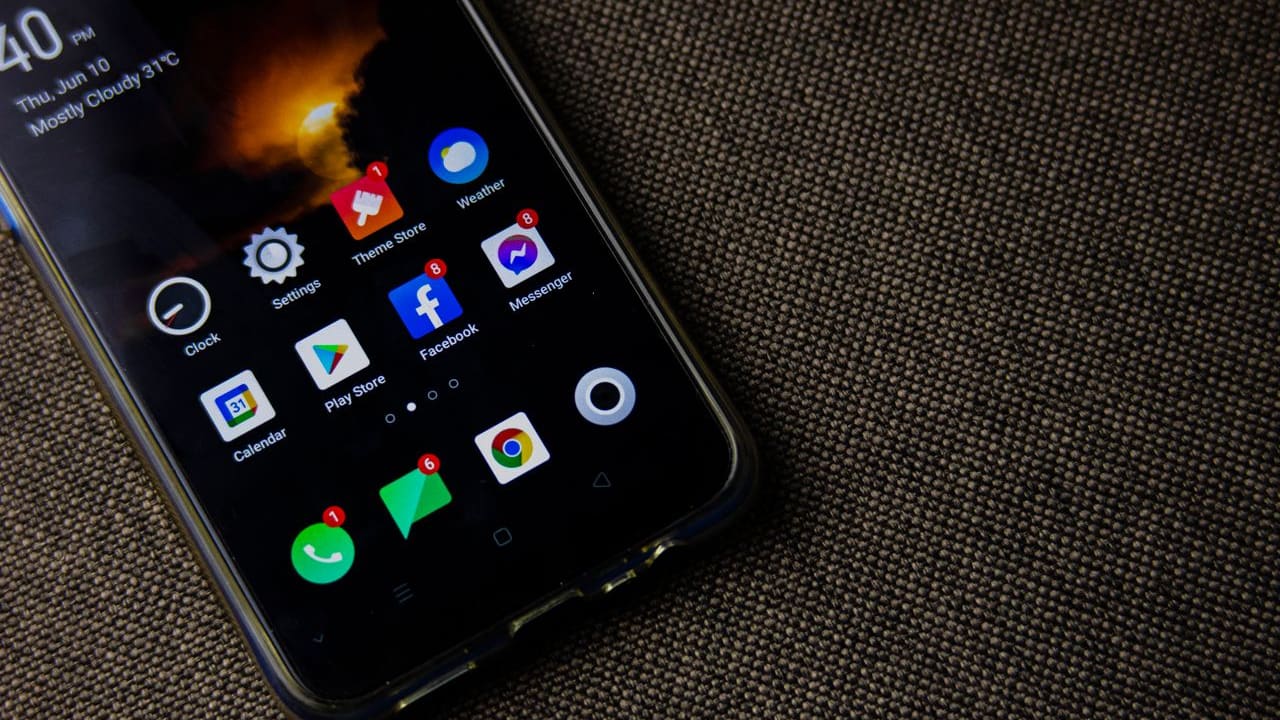
Choose which app opens links, calls, SMS and the home screen.
1. Settings, then Apps, then Default apps (sometimes under the three-dot menu in Apps).
2. Browser app: pick Chrome or another browser.
3. Phone and SMS app: choose which app handles calls and messages.
4. Home app: switch launchers. If a strange launcher full of ads took over, change it back here and uninstall the ad app.
5. Opening links: Settings, then Apps, choose an app (for example YouTube), then "Open by default", to control which links it opens.