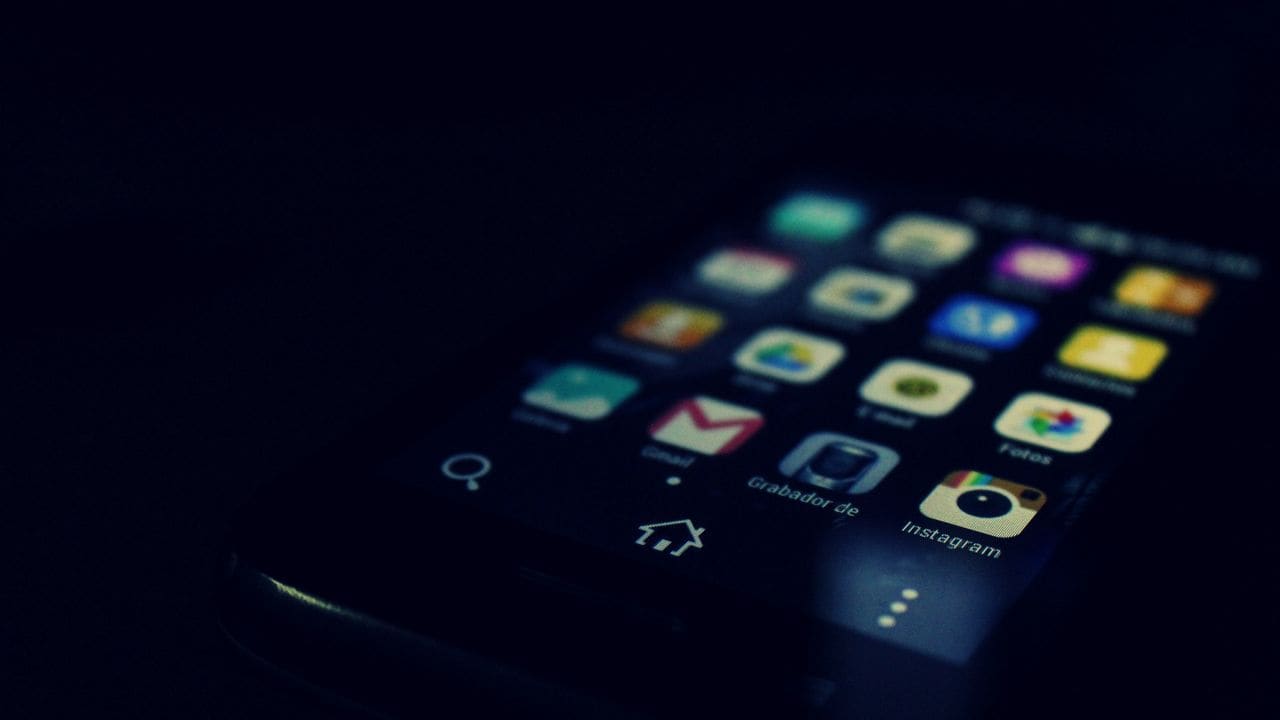
1. Dark mode: Settings, then Display, then Dark theme (or Dark mode). Schedule it for sunset if you like.
2. Eye comfort or Night Light (warmer colours at night): Settings, then Display, then Eye comfort shield (Samsung) or Night light.
3. Quick toggles: swipe down twice and look for Dark theme and Eye comfort in Quick Settings. Tap the pencil icon to add them.
4. On phones with AMOLED screens, dark mode also saves battery.