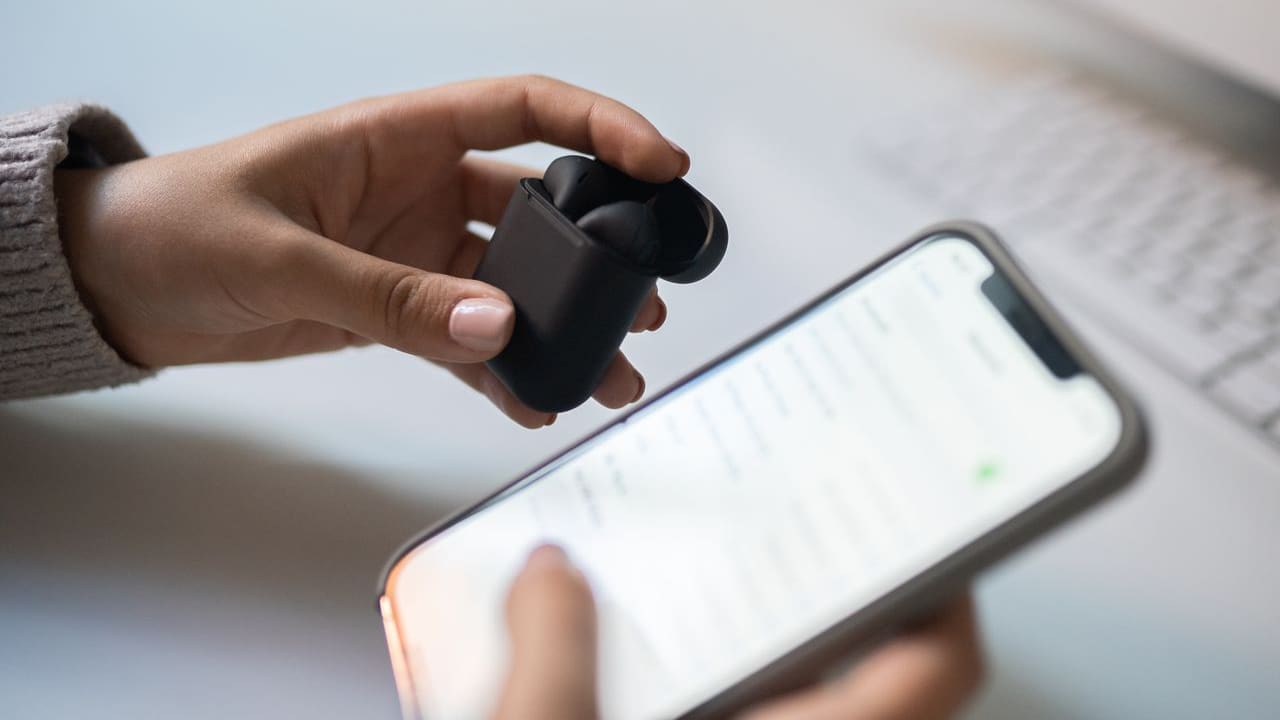
1. Turn Bluetooth off and on, on both devices.
2. Forget the device: Settings, then Connected devices (or Bluetooth), tap the gear next to it, then Forget. Pair again.
3. Put the earbuds or speaker into pairing mode (check its manual, usually holding the button until a light flashes).
4. Charge both devices.
5. Clear Bluetooth cache: Settings, then Apps, show system apps, then Bluetooth, then Storage, then Clear cache.
6. Reset network settings (this also clears all pairings): Settings, then System, then Reset options.