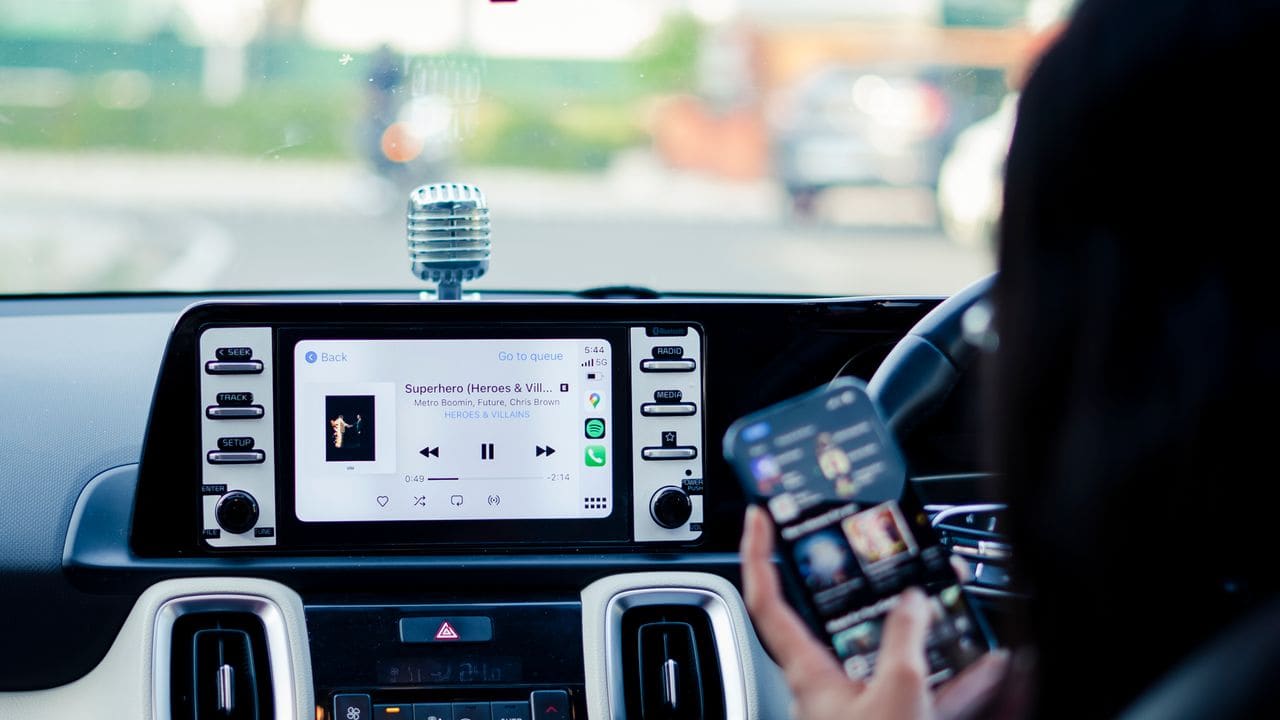
Android Auto and Apple CarPlay: Your Phone on the Car Screen
Tools You'll Need
Android AutoCarPlayUSB cable
1. Check your car radio or screen supports Android Auto or CarPlay. Many aftermarket screens do too.
2. Connect the phone with a good USB cable (or wirelessly if the car supports it).
3. Android: follow the Android Auto prompts on the phone. iPhone: allow CarPlay when asked (Settings, General, CarPlay).
4. Use Google Maps or Waze, music, calls and messages read aloud, all from the car's screen and voice control.
5. Disconnects often? Try another cable. Cheap cables are the most common cause.
Some cheap car screens use "mirror link" apps instead. Those are less reliable than real Android Auto or CarPlay.