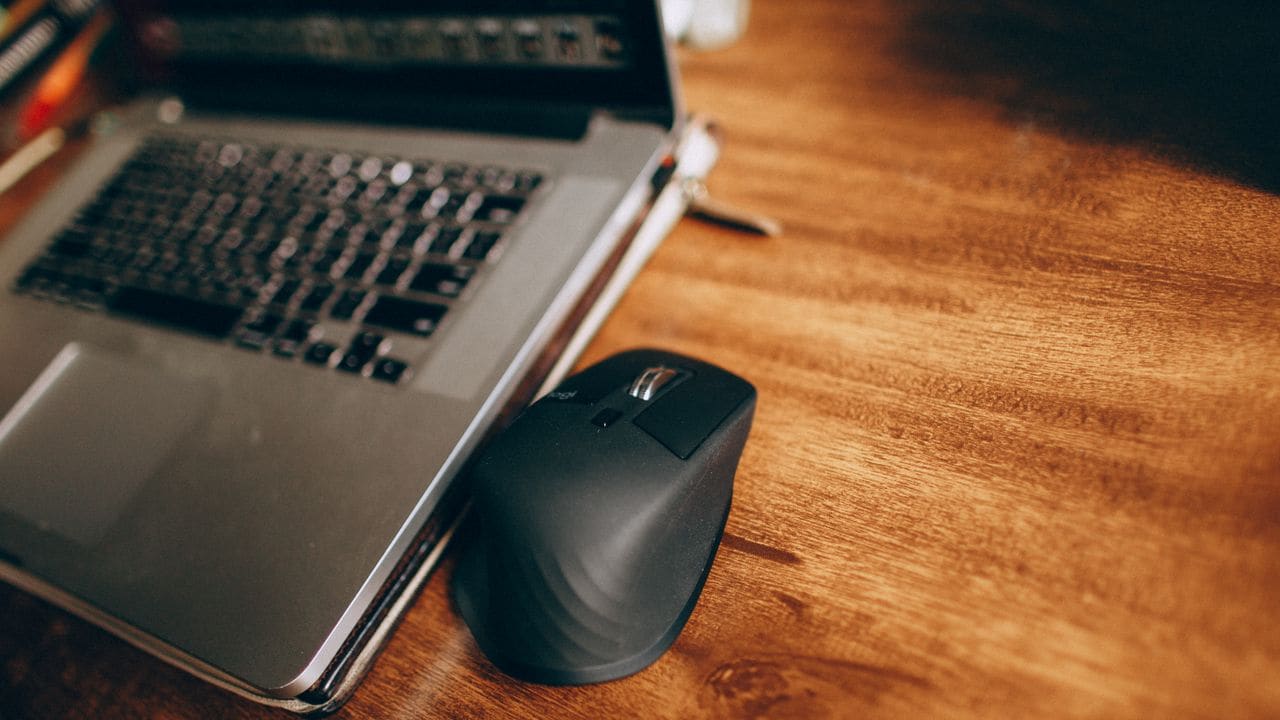
A jumpy or slow wireless mouse is usually an easy fix.
1. Replace or charge the battery. Weak batteries cause lag.
2. Move the USB receiver closer, for example to a front port or a short extension cable.
3. Use a mouse mat. Glass, glossy and very dark surfaces confuse the sensor.
4. Clean the sensor window under the mouse with a dry cotton bud.
5. Keep other wireless devices and metal objects away from the receiver.
If a Bluetooth mouse lags, remove it from Bluetooth settings and pair it again.