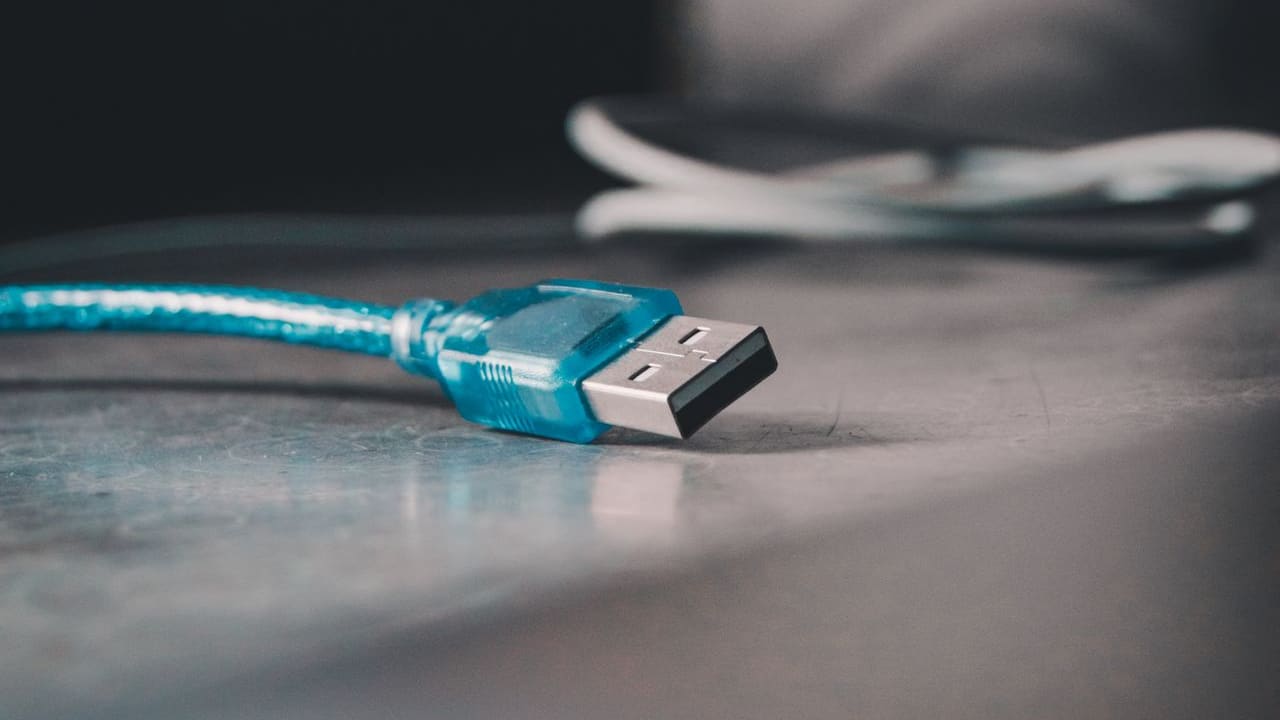
OTG lets many Android phones read flash drives and use some USB devices.
1. Get an OTG adapter that matches your phone's port (USB-C or micro USB), or a dual flash drive with both plugs.
2. Plug in the flash drive. A notification or the Files app should show it.
3. Some phones need OTG turned on in settings.
4. Use the drive to back up photos or move files without internet.
5. Eject the drive in settings before unplugging it.
Flash drives formatted as NTFS may not show on some phones. FAT32 or exFAT usually works.