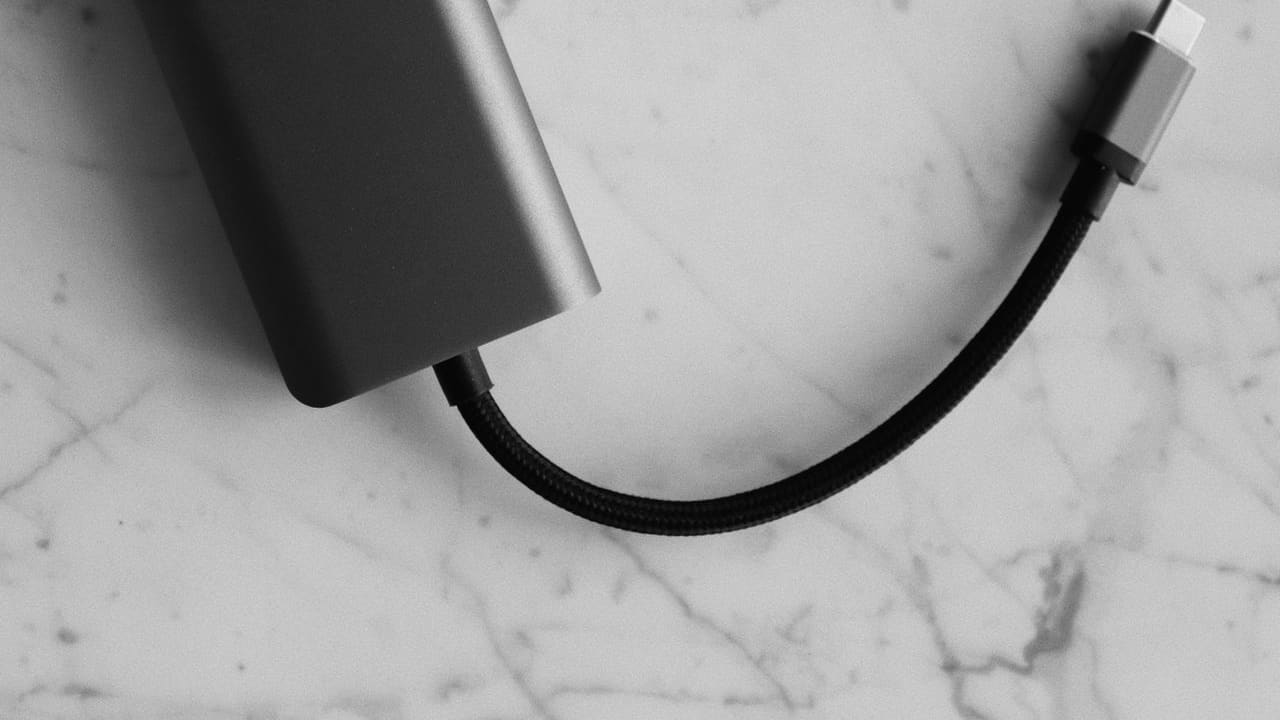
Many new laptops only have USB-C ports. A hub adds USB, HDMI, card reader and network, but they differ a lot.
1. Check what the laptop's USB-C port supports: charging, video and data. Not every port does all three.
2. For screens, check the hub's HDMI supports the resolution you need.
3. Use a hub with power pass through if you need to charge while using it.
4. Cheap hubs can get very hot and drop connections.
5. If a monitor doesn't show, try another port on the laptop, as only some support video.
Keep one good hub at the counter for testing customer laptops.