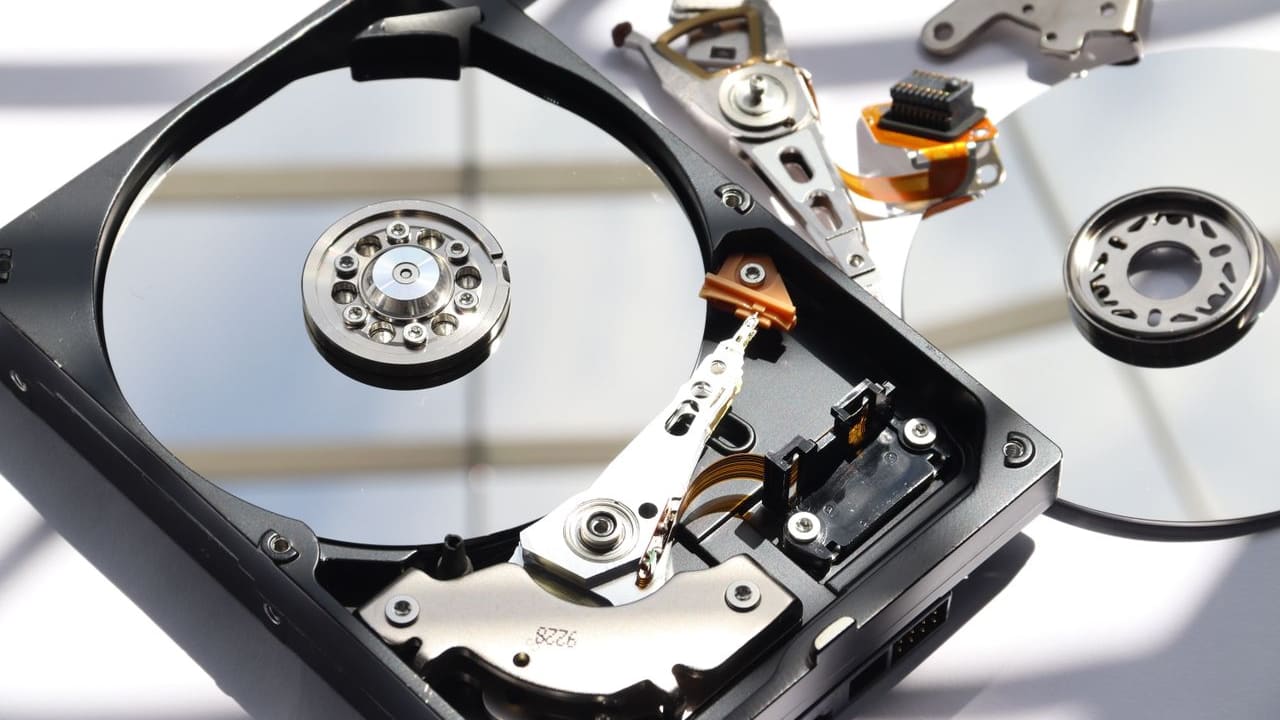
Swapping an old spinning hard drive for an SSD is the single best speed upgrade for most older laptops.
1. Check what the laptop takes: a 2.5 inch SATA drive, an M.2 SATA SSD or an M.2 NVMe SSD.
2. Back up the customer's files first.
3. Either clone the old drive to the SSD with cloning software and a USB adapter, or install Windows fresh on the SSD and copy files back.
4. Fit the SSD and check it shows in the BIOS.
5. Make sure Windows is activated with the customer's licence.
Startup often drops from minutes to seconds. Pair it with more RAM for a laptop that feels new.