The new screen shows a picture but touch doesn't respond, or only part of it works.
1. Disconnect the battery and reseat the screen connector. Make sure it clicks fully in.
2. On phones with a separate touch connector, check that one is fitted too.
3. Look for a torn or creased flex near the bend. Folding the new screen too sharply can damage it.
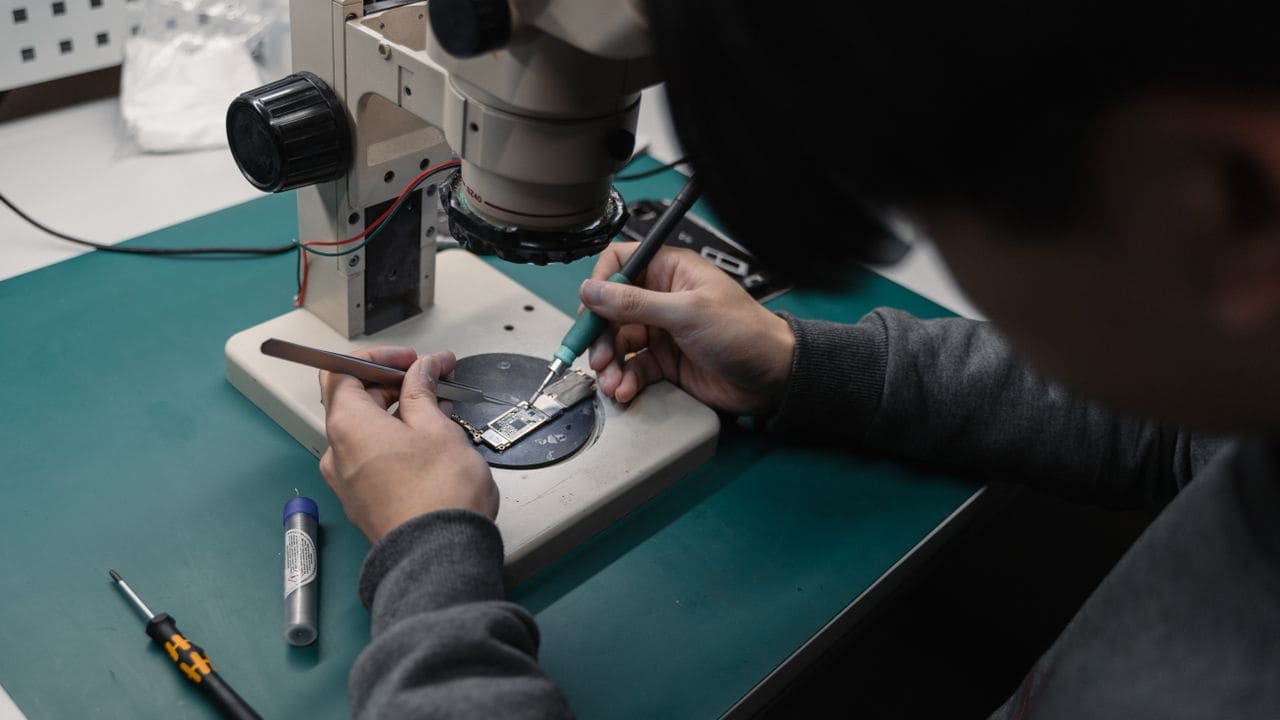
4. Check the board connector pins under a magnifier for one that is bent or dirty.
5. Remove the screen protective film: some thick films block touch.
6. Restart the phone after the first boot. Some phones calibrate touch on start.
7. Test with another new screen. Copy screens sometimes arrive faulty.
If two good screens both fail touch, the fault is on the board (touch IC or filter), which needs a board technician.