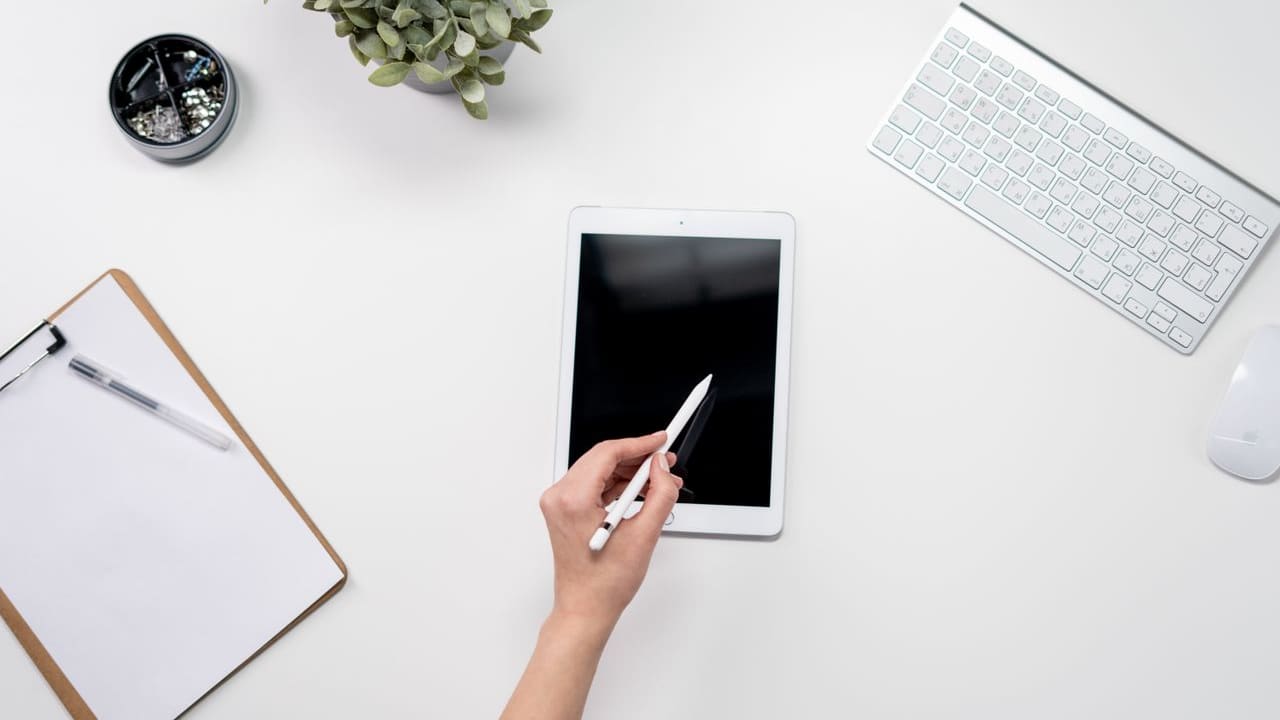
There are two kinds of stylus: simple rubber tip pens that work on any touch screen, and active pens that only work with certain tablets.
1. Check the pen is made for this tablet model. An Apple Pencil or S Pen won't work on just any tablet.
2. Charge or replace the pen's battery if it has one.
3. Pair it again in Bluetooth settings.
4. Replace a worn or loose pen tip.
5. Remove thick screen protectors, which can block active pens.
6. If the pen works on another tablet but not this one, the tablet's pen layer may be damaged, often after a screen replacement with a copy screen.
Some cheap replacement screens don't support pen input at all.