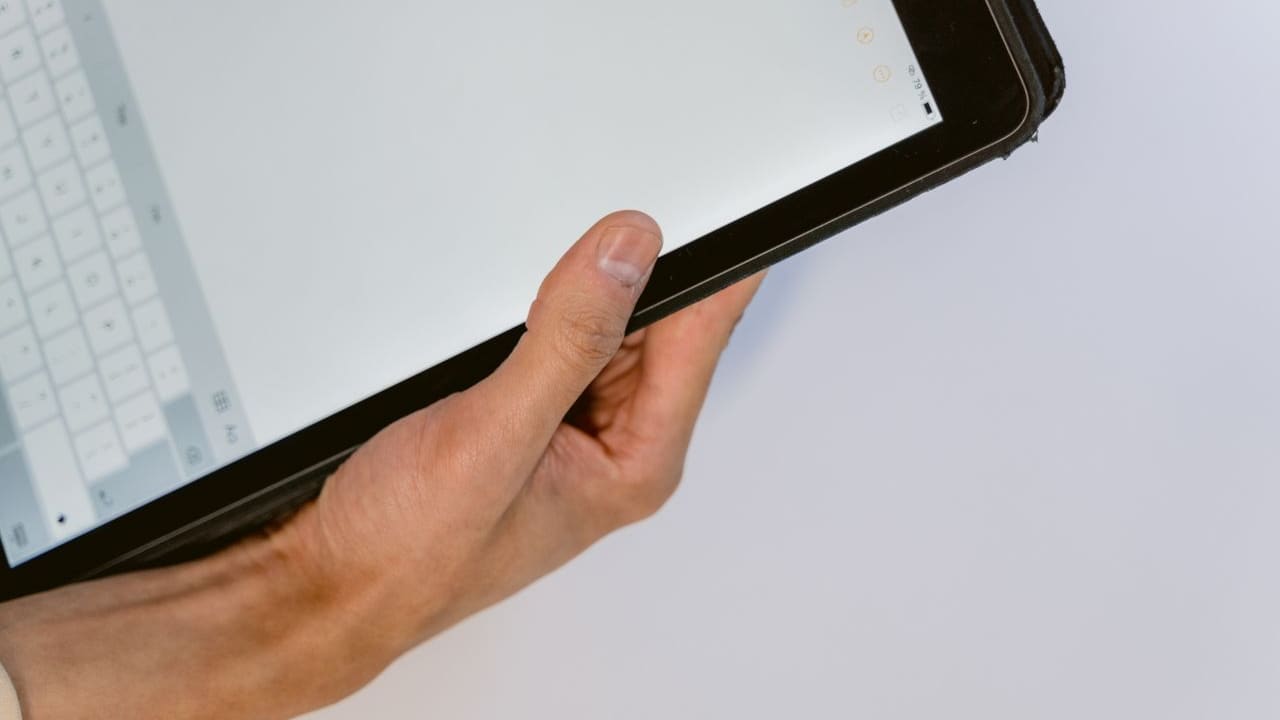
Keyboard covers connect by Bluetooth or by small metal contacts on the edge.
For contact keyboards:
1. Clean the gold contacts on both the tablet and the keyboard with a little isopropyl alcohol.
2. Check the magnets line up and the tablet sits fully in place.
3. Look for bent or dirty pins.
For Bluetooth keyboards:
1. Charge the keyboard.
2. Remove it from Bluetooth settings and pair it again.
3. Keep it away from other paired devices.
If the keyboard works on another tablet but not this one, the tablet's connector or its circuit may be damaged.