A power or volume button that doesn't click, stays pressed, or does nothing is usually dirt, a worn switch or a torn flex.
1. Check the case isn't pressing the button.
2. Clean around the button with a brush and a little isopropyl alcohol. Press it many times to work the dirt out.
3. If the phone keeps restarting or showing the power menu, the button may be stuck pressed. This is a common cause of boot loops.
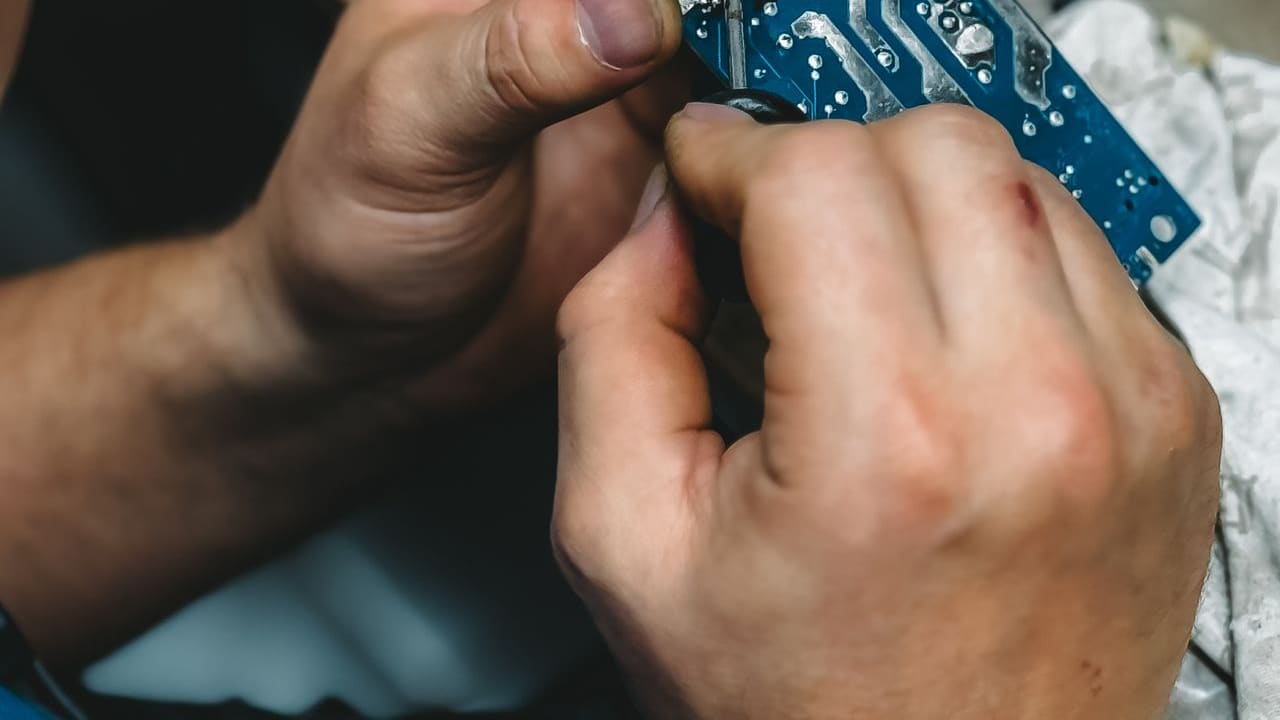
4. Open the phone and test the switch with a multimeter in continuity mode: it should beep only when pressed.
5. Replace the button flex if the switch is worn or the flex is torn.
While waiting for a part, the phone can be woken by plugging in the charger, and many phones allow double tap to wake.