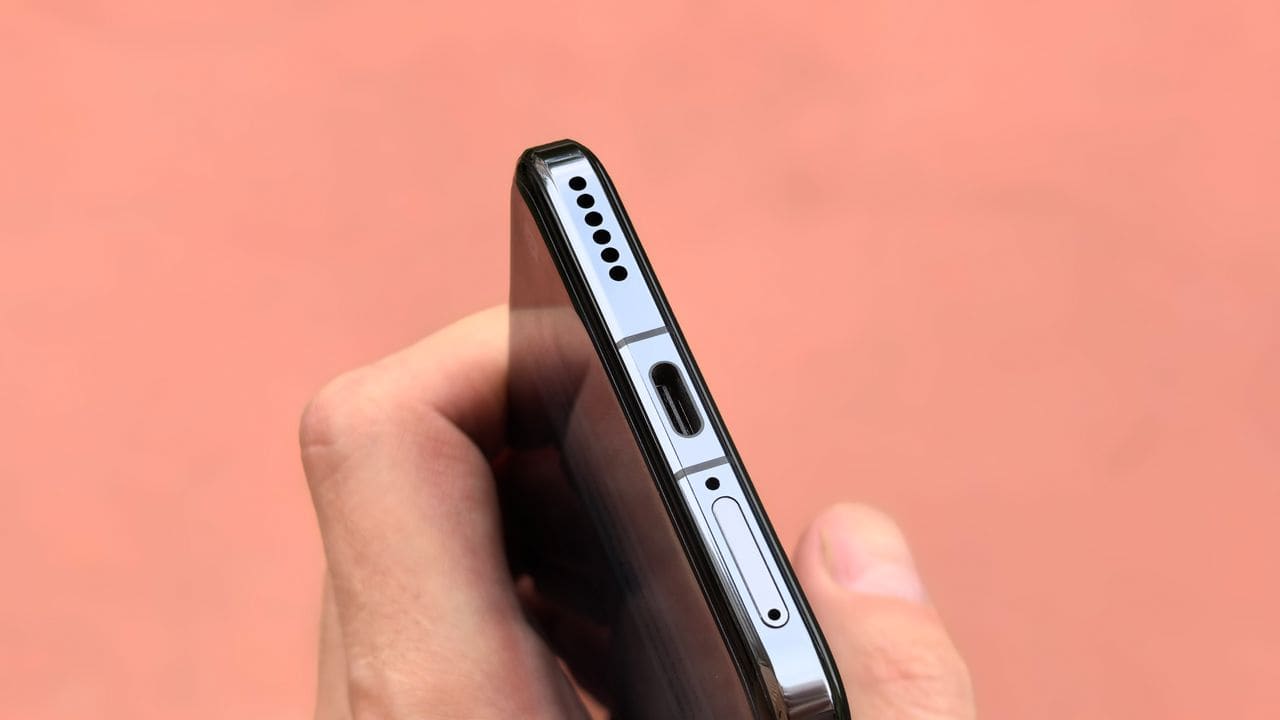
Many dual SIM phones share one slot between a second SIM and a memory card, which causes confusion.
1. Check the phone supports two SIMs. Some versions of the same model are single SIM.
2. Check the second slot isn't the memory card position.
3. Swap the SIMs between slots. If the same slot fails with both, the slot or reader is faulty.
4. In SIM settings, turn on both SIMs.
5. Check the tray isn't bent and is the right one.
6. If the slot is faulty, the SIM reader may need cleaning or replacing.
Only some phones support two SIMs on mobile data at the same time. That is normal.