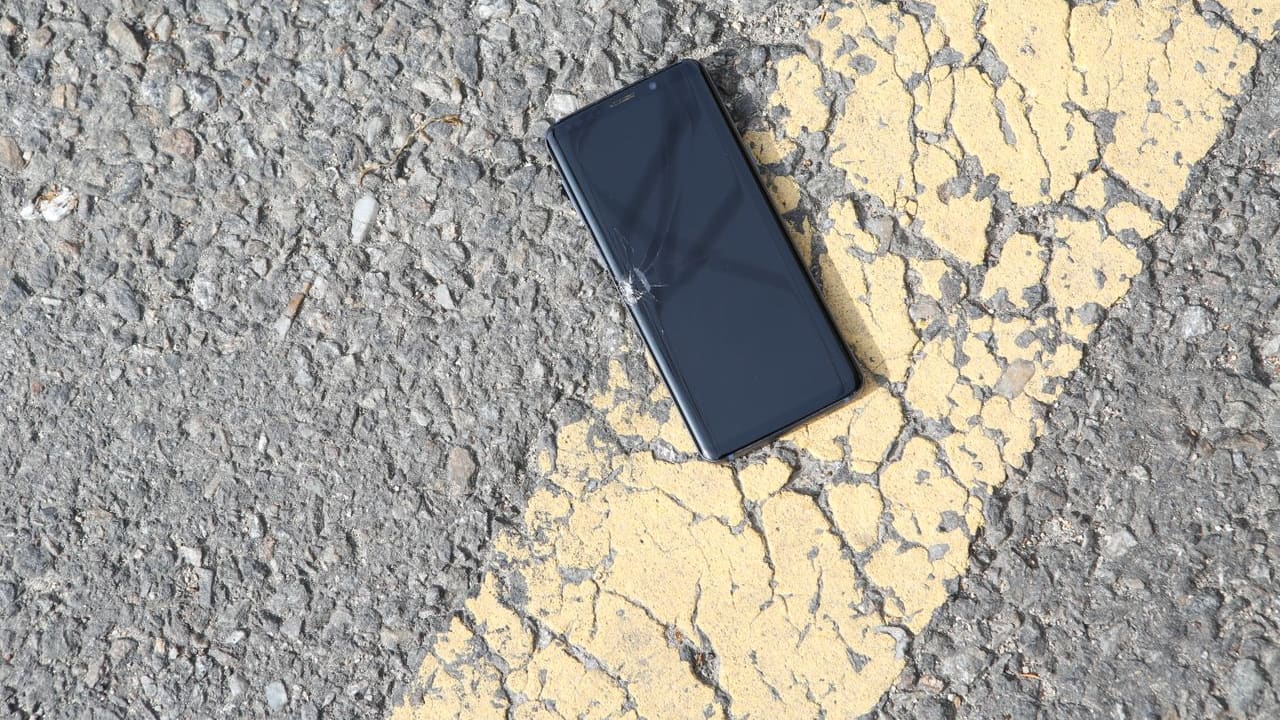
A thin green, pink or white line running top to bottom on some Samsung AMOLED phones, often after an update or with no drop at all, is a known panel fault.
1. Take a screenshot. If the line isn't in the screenshot, the panel is faulty.
2. Update the phone. An update won't fix a damaged panel, but rules out software.
3. If the phone is still under warranty, send the customer to an authorised Samsung service centre first. Some regions have run free screen programmes for this fault.
4. Otherwise the fix is a new screen. A service pack screen with frame is quickest and keeps the fingerprint sensor working.
Don't try heating or pressing the screen to make the line go away: it can spread the damage.