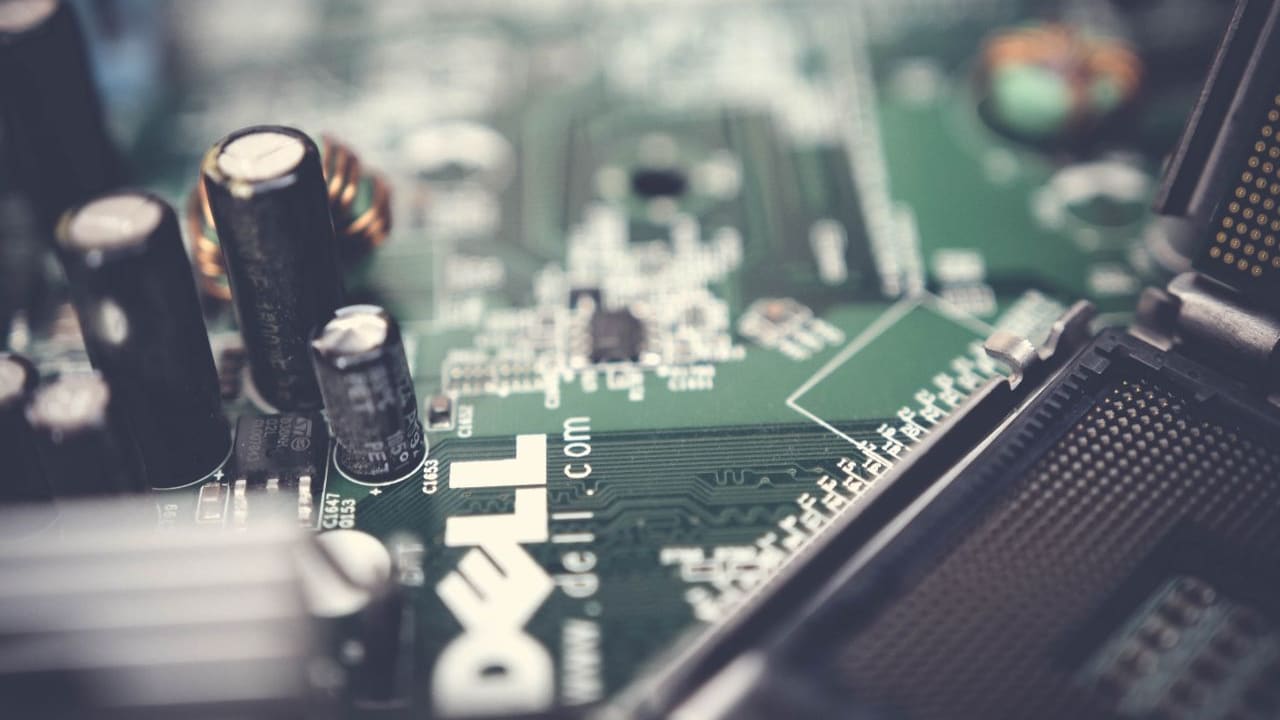
Screen and battery connectors on the board can be broken by careless prying or corrosion.
1. Check the replacement connector has the same pin count and shape.
2. Protect nearby parts with heat resistant tape.
3. Add flux and remove the old connector with hot air, using low airflow.
4. Clean the pads with flux and wick. Don't rub hard: pads lift easily.
5. Place the new connector, add flux and heat until it settles.
6. Check every pin under the microscope for bridges or gaps.
7. Test continuity before connecting the flex.
Plastic connectors melt easily. Keep heat short and use flux generously.