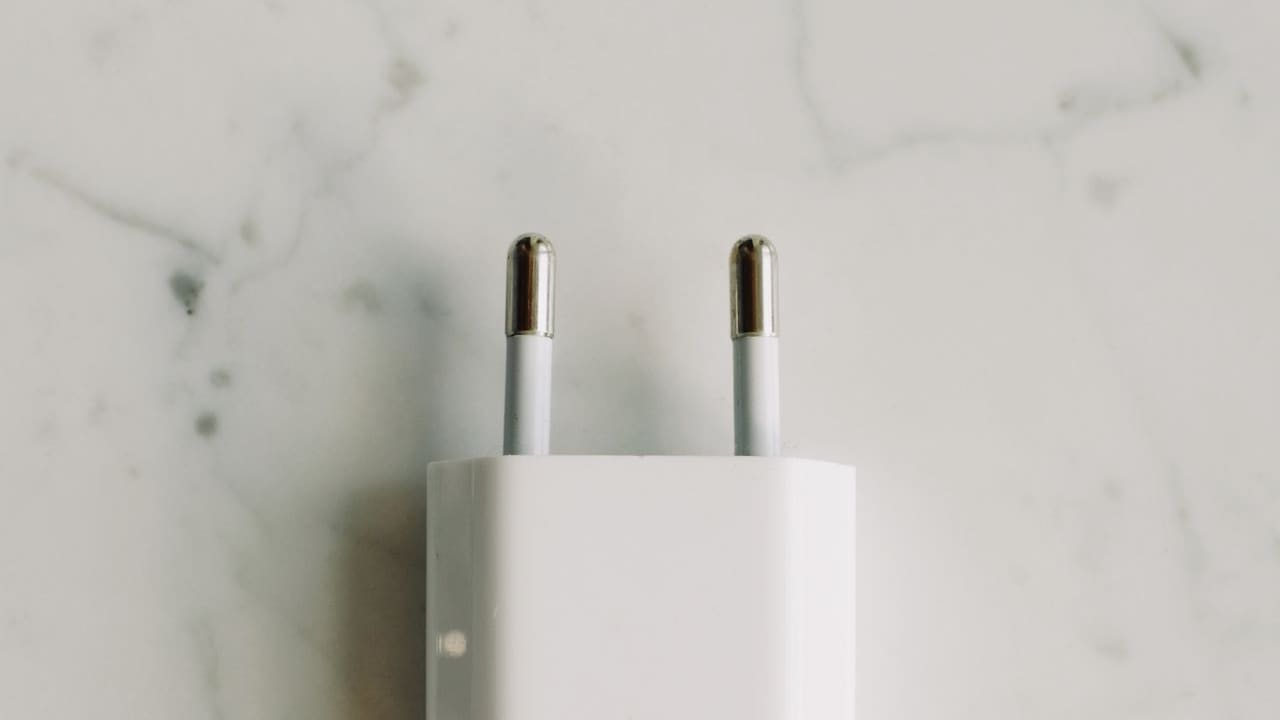
The wrong charger can fail to charge, overheat or damage the laptop.
1. Match the voltage on the original label exactly (for example 19.5V).
2. Watts or amps must be the same or higher, never lower.
3. Check the plug tip size and type. Some brands use a centre pin to identify the charger, and the laptop won't charge without it.
4. For USB-C laptops, get a USB-C PD charger with enough watts.
5. Avoid very cheap copies: they often lack protection and run very hot.
Write the laptop model on the receipt so the customer can return a wrong charger.