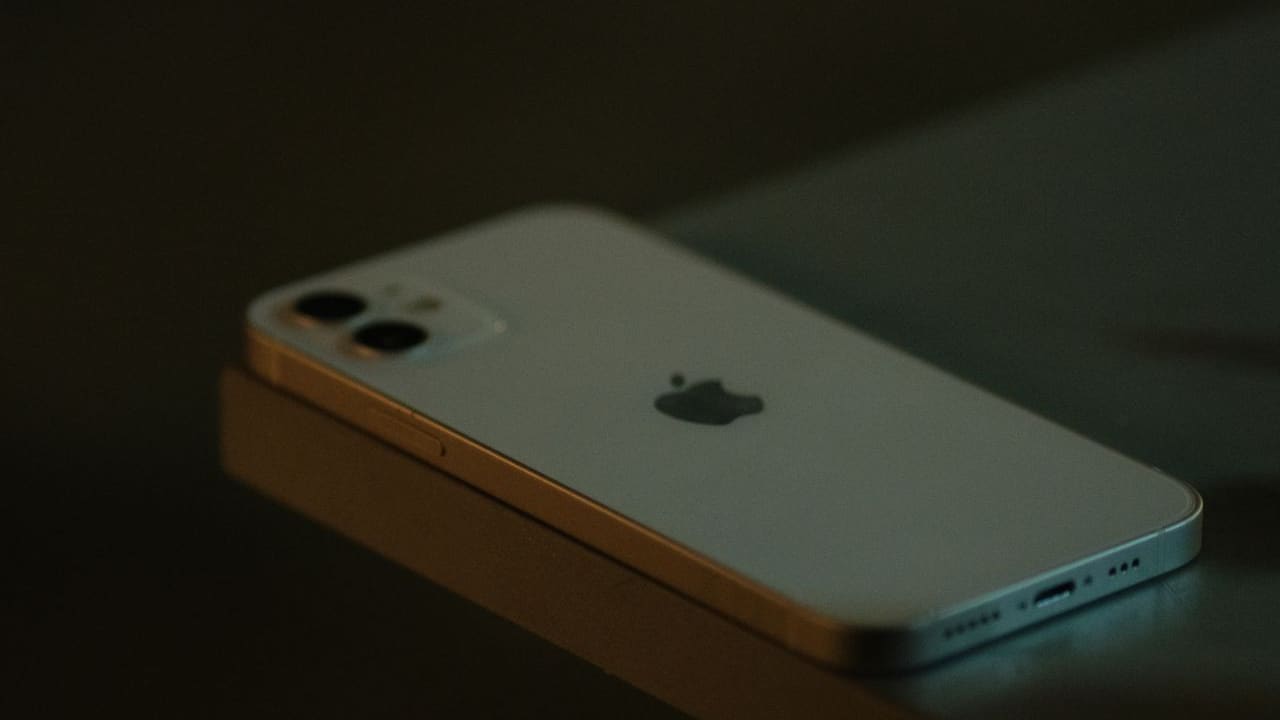
Refurbished and used iPhones are popular. Check them carefully.
1. Settings, General, About: look for the "Parts and Service History" section on newer iPhones. It shows replaced screens, batteries or cameras.
2. Check battery health.
3. Test Face ID or Touch ID.
4. Make sure Find My is off and the phone is not linked to someone else's Apple ID. The seller must sign out in front of you.
5. Check the IMEI matches the box, and that the phone isn't reported stolen or blocked.
6. Test every camera, speaker, microphone and button.
Never buy an iPhone that is still locked to someone else's account.