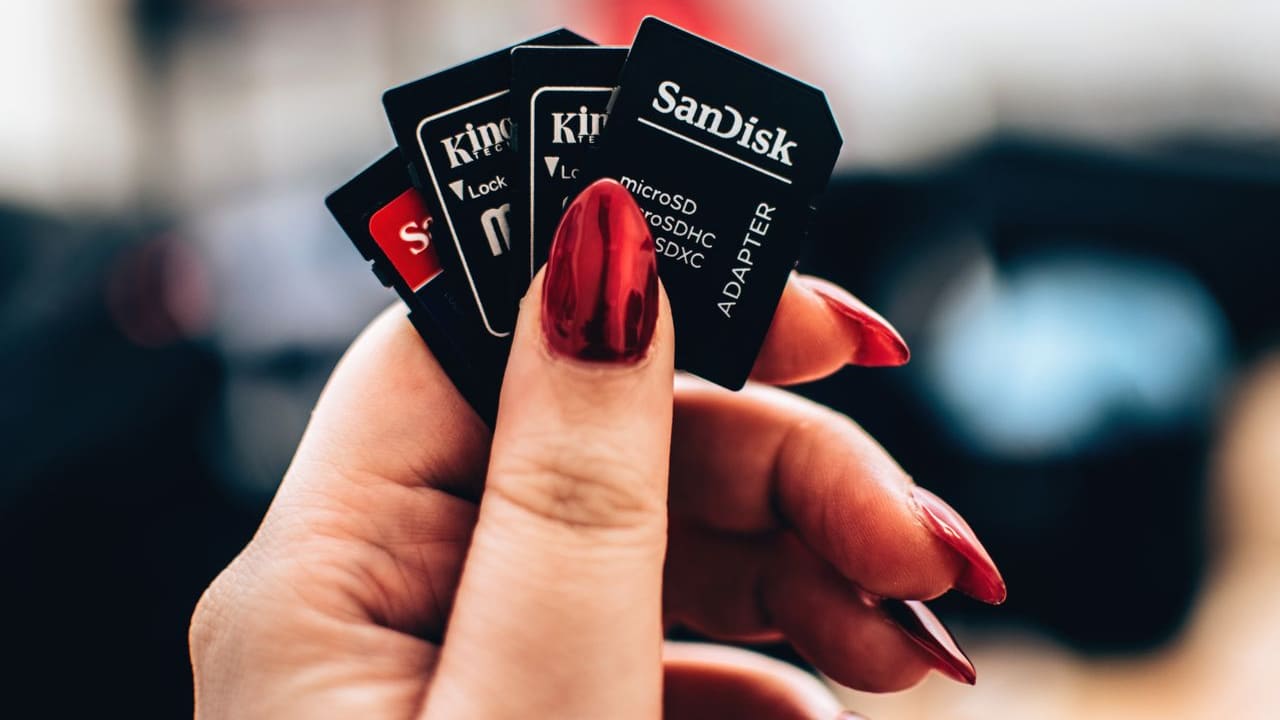
If the phone says no card or card damaged:
1. Switch off, remove the card, wipe its gold contacts and put it back properly in the tray.
2. Check the tray is the right one and the card sits in the memory card position, not the SIM.
3. Try the card in another phone or a card reader on a computer.
4. If the computer reads it, back up the files, then format the card in the phone.
5. If nothing reads it, the card is probably dead.
6. If other cards also fail in the phone, the phone's card reader may be faulty.
Very large cards may not work in older phones. Check the phone's maximum card size.