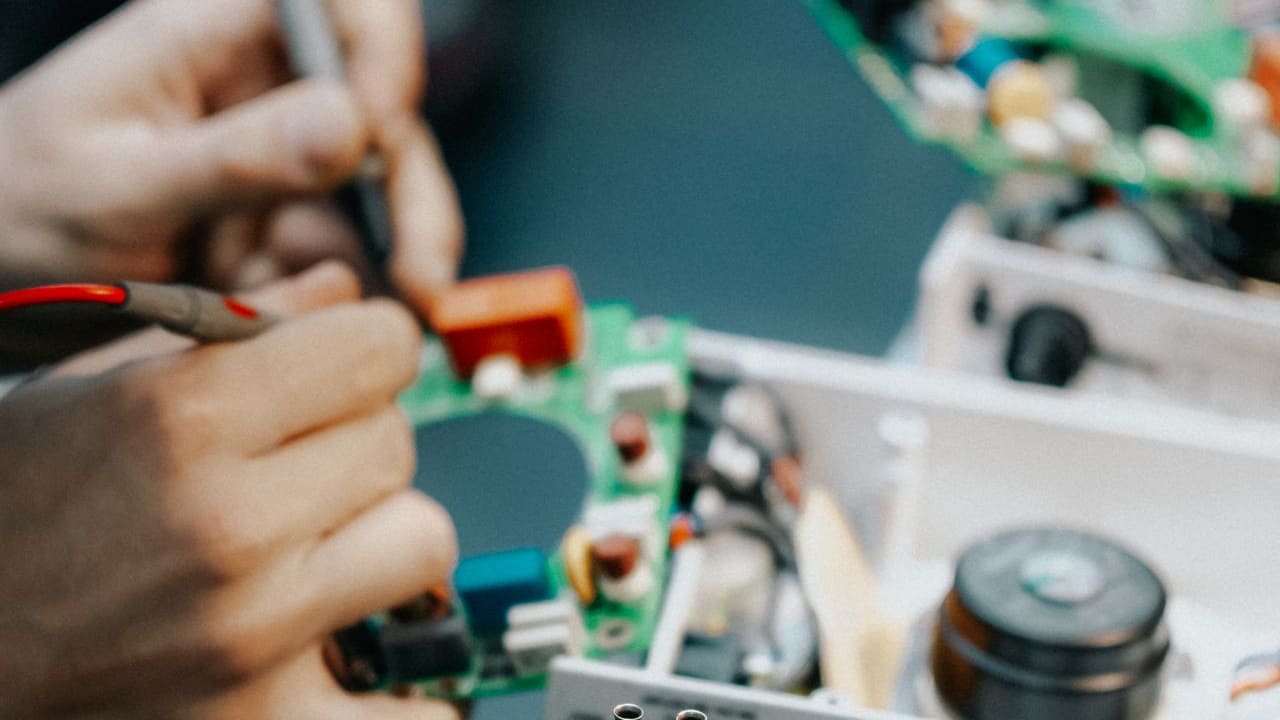
Known good batteryCharger and cableDC power supplyMultimeter
Many "dead" phones are fixed without any board work. Check in this order:
1. Charge for at least 30 minutes with a known good charger. Deeply flat batteries take time to show anything.
2. Try a force restart (usually power plus volume down for 10 to 20 seconds).
3. Connect to a computer and see if it is detected in any mode.
4. Check if the screen is the problem: does it vibrate, ring or get warm?
5. Try a known good battery.
6. Test the power button and its flex.
7. Check the battery connector and charging port for corrosion.
8. Only then connect a DC power supply and look at the current draw (see our power supply tip).
Writing each check on the job card saves time if the phone comes back later.