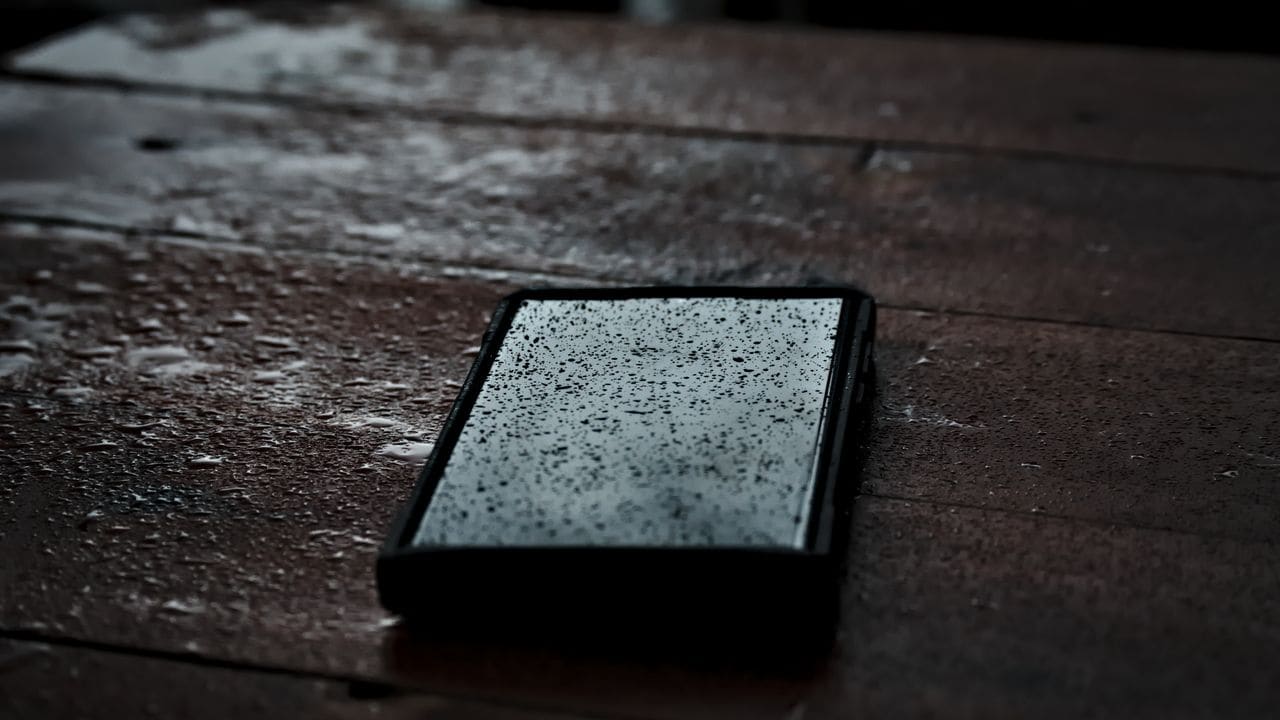
Many phones block charging when they sense water in the port. This protects the phone from corrosion.
1. Unplug the cable.
2. Tap the phone gently with the port facing down to shake water out.
3. Leave it to dry in an airy place for an hour or two. Don't use a hair dryer on high heat.
4. Don't push cotton buds or tissue into the port.
5. If the phone was never wet and the warning keeps showing, the port may be dirty or corroded. Clean it gently with a brush and a little 99% isopropyl alcohol and let it dry.
6. Restart the phone. Sometimes the warning stays until a restart.
If the warning never goes away, the charging port or its board is likely corroded and needs replacing. Wireless charging, if the phone has it, still works in the meantime.