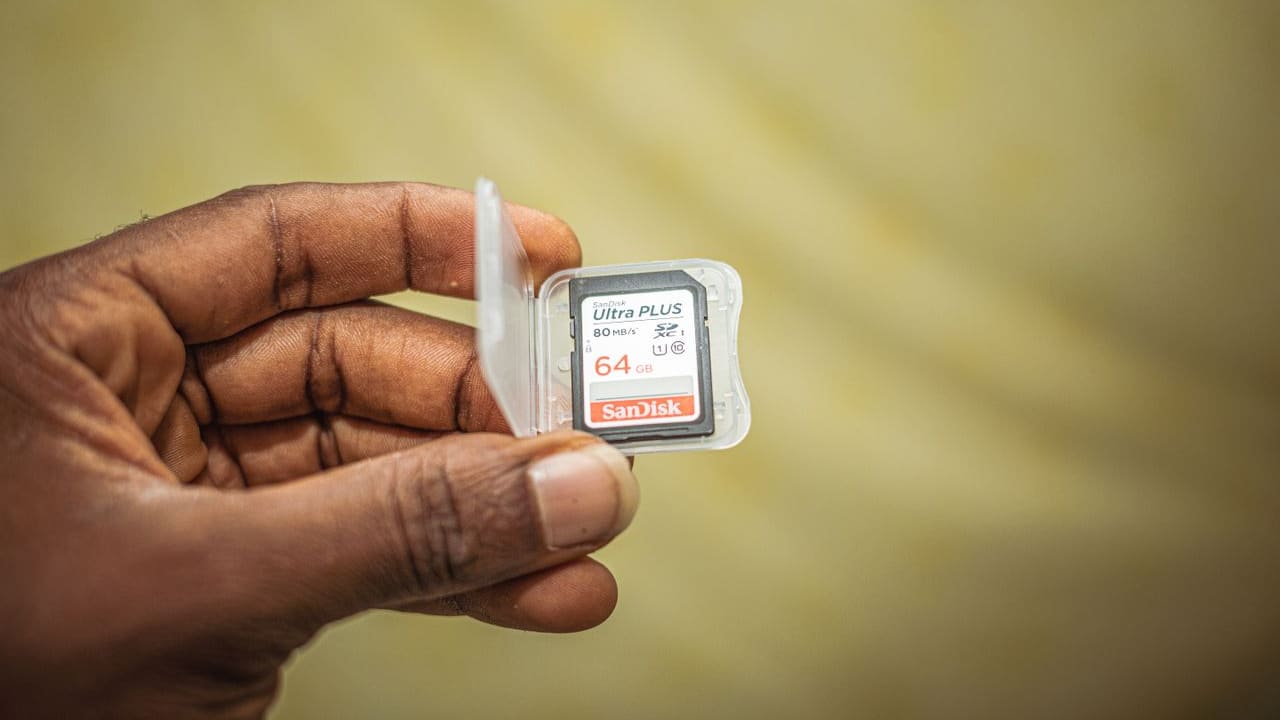
When a card says it is corrupted, don't format it if the files matter.
1. Stop using the card straight away. New files can overwrite lost ones.
2. Don't accept "format card" prompts on the phone or computer.
3. Put the card in a card reader on a computer.
4. Use photo recovery software to scan the card and save recovered files to the computer, never back to the card.
5. After recovering, format the card and test it before trusting it again, or replace it.
Back up photos regularly to a computer or cloud. Memory cards can fail without warning.