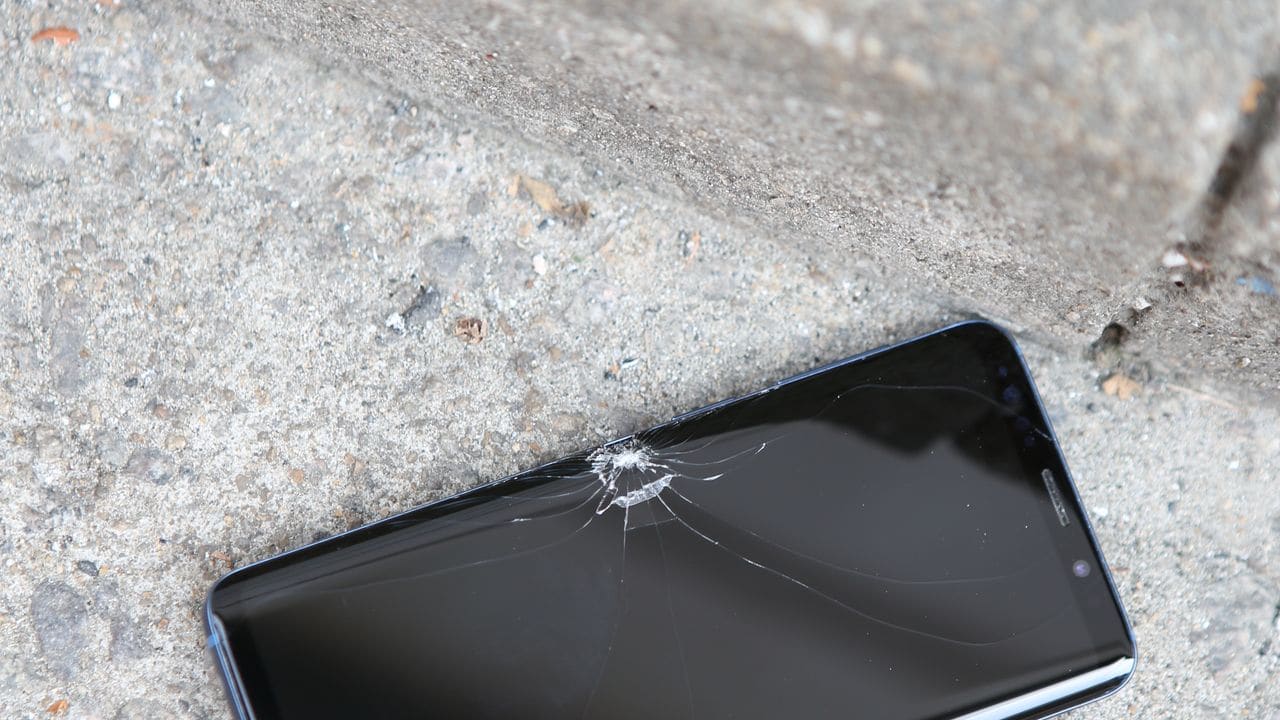
Lines, colour bars or a flashing screen after a drop usually mean the display panel itself is damaged, but sometimes it is only the connector.
1. Restart the phone. If the lines move, change colour or disappear for a moment, the panel is cracked inside.
2. Take a screenshot and view it on another phone. If the screenshot looks clean, the fault is in the screen, not the software.
3. Press gently near the lines. If they change, the panel is damaged and needs replacing.
4. If the lines appeared without any drop, open the phone and reseat the display connector. A connector that popped half out can cause the same lines.
5. If reseating doesn't help, replace the screen. A new screen is the only lasting fix for internal panel damage.
Back up the phone first: a screen with spreading lines can go fully black at any time.