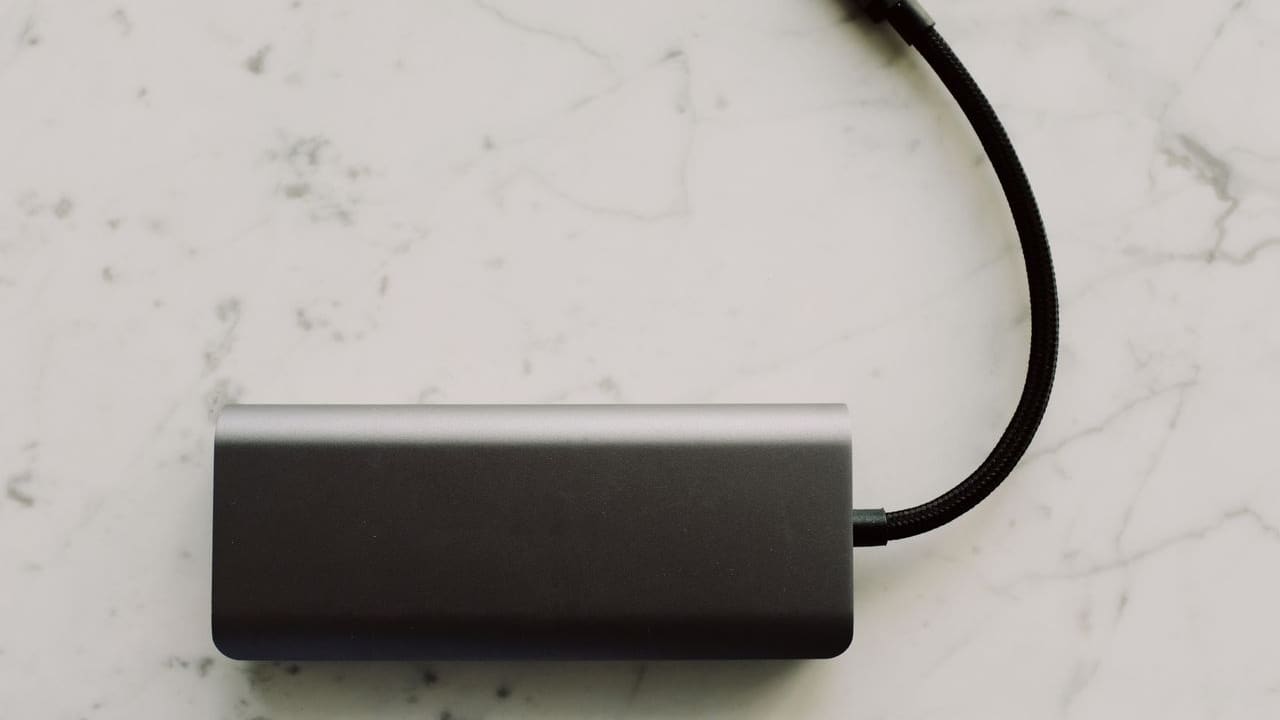
When a USB port doesn't detect anything, check the simple things first.
1. Try another device and another port to see if it is one port or all.
2. Restart the laptop. Windows sometimes turns off a port after a power problem.
3. Look inside the port with a torch for bent pins or dirt.
4. In Device Manager, check for warnings under USB controllers and update or reinstall the driver.
5. Turn off USB power saving in the power options.
6. If one port is physically loose or broken, the port or its small board needs replacing.
If all ports died together after a spill or a short, the board needs checking by a technician.