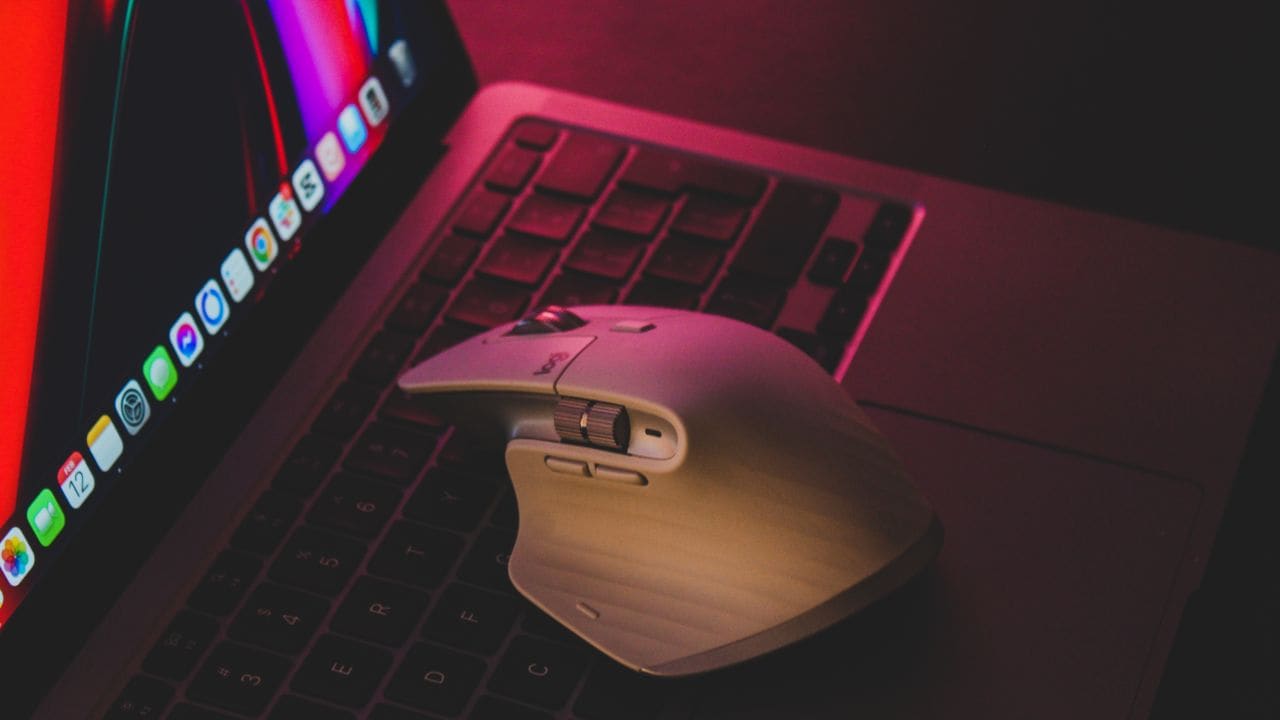
If the touchpad doesn't respond:
1. Check the touchpad isn't turned off with a function key (often F5, F6 or F9, or a small light on the pad).
2. In settings, make sure the touchpad is turned on, especially if a mouse is connected.
3. Restart the laptop.
4. Update or reinstall the touchpad driver.
5. A raised or hard to click touchpad can be pushed up by a swollen battery underneath. Check that first.
6. If the touchpad fails after a spill, its cable or board may be damaged.
Use a USB mouse while waiting for the repair.