Laptop Ports Explained: USB-A, USB-C, HDMI and Ethernet
Knowing the ports helps you buy the right cables and adapters.
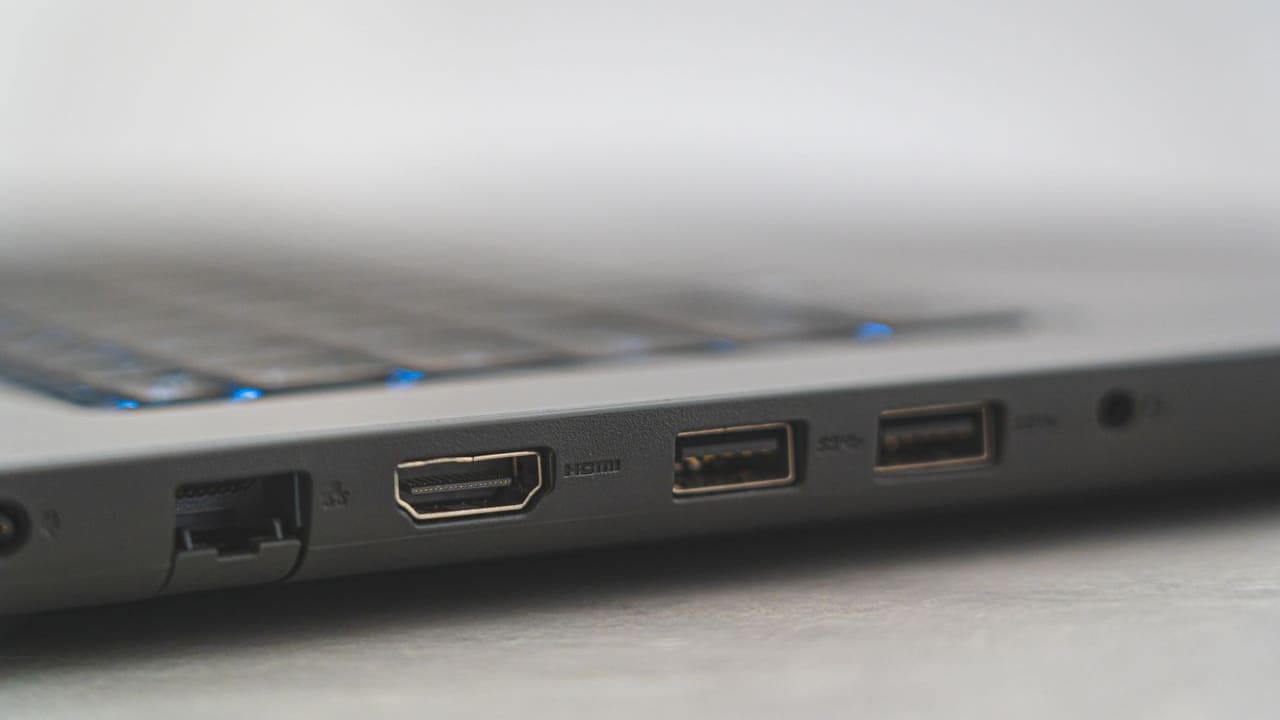
1. USB-A: the classic rectangle. For flash drives, mice and printers.
2. USB-C: small and oval. Can carry charging, data and video, depending on the laptop. Thunderbolt ports (with a lightning symbol) do all three, fast.
3. HDMI: for TVs, projectors and monitors.
4. Ethernet (RJ45): for wired internet. More stable than Wi-Fi.
5. Audio jack: for headphones and headsets.
6. Card reader: for SD cards from cameras.
Small symbols next to ports show what they support.