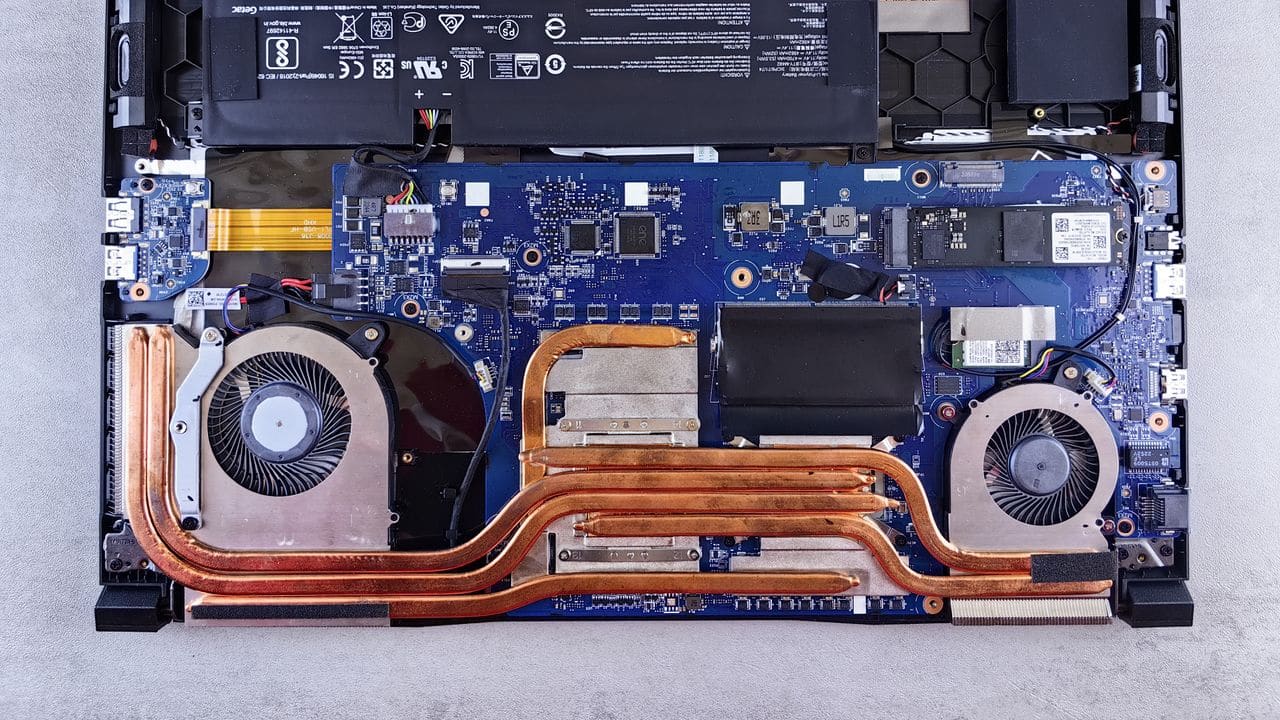
A laptop that gets very hot, runs its fan loudly or slows down under load usually has dust packed in the fan and heatsink.
1. Feel where the hot air comes out. Weak airflow from a loud fan means the heatsink fins are blocked.
2. Use the laptop on a hard, flat surface. Beds and cushions block the air intake underneath.
3. Shut down, unplug the charger and disconnect the battery inside before cleaning.
4. Remove the bottom cover and hold the fan still with a finger or plastic tool, so it doesn't spin too fast while you blow it out.
5. Brush the dust off the fan blades and blow it out of the heatsink fins.
6. If the fan rattles or grinds, replace it.
In dusty areas, a laptop used every day benefits from a fan clean about once a year.