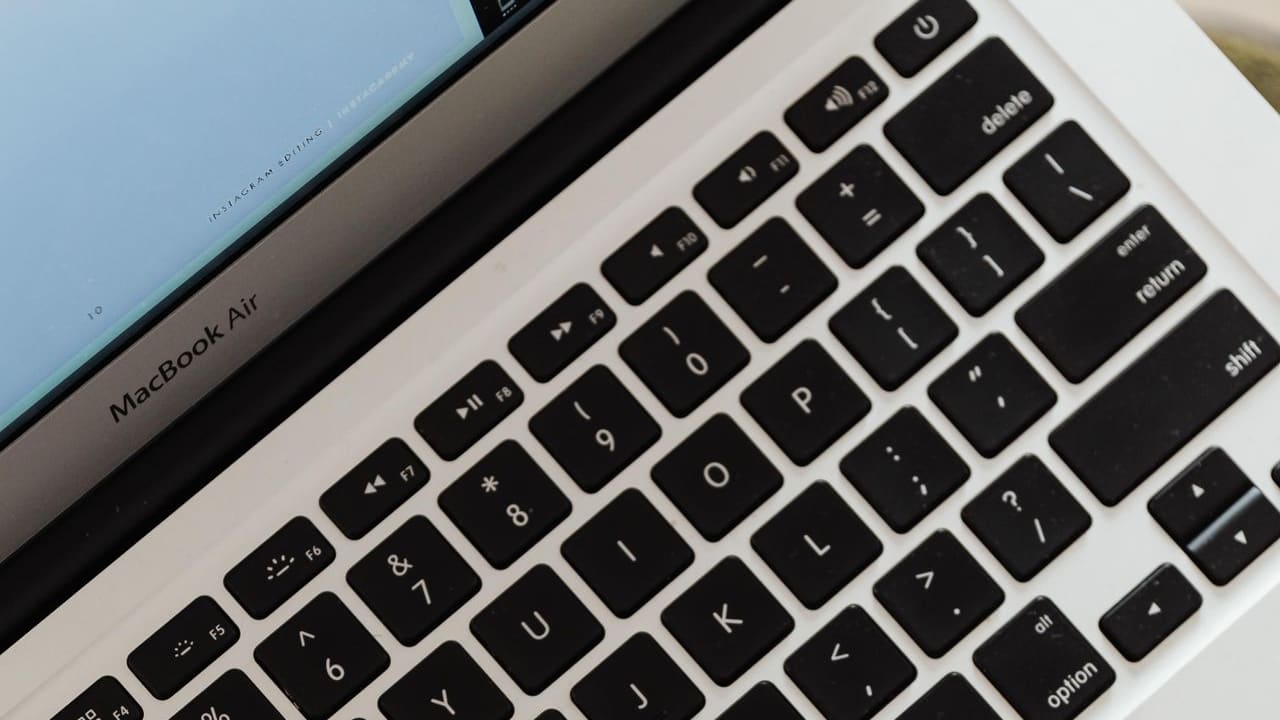
Act fast. The board is often just under the keyboard.
1. Unplug the charger and hold the power button to switch off at once.
2. Turn the laptop upside down, open like a tent, to let liquid drain out.
3. Wipe away what you can. Don't use a hair dryer on high heat.
4. If you can, remove the battery.
5. Don't switch it on to check. Power through wet parts causes the real damage.
6. Bring it to a technician to open it, clean the board with alcohol and dry it properly.
Sugary drinks like tea and soda leave sticky residue that keeps causing faults, even after the laptop dries.